The “Welcome Aboard!” email is out. You’re thrilled about the new client, the exciting project, the incoming revenue. Then comes that familiar, sinking feeling.
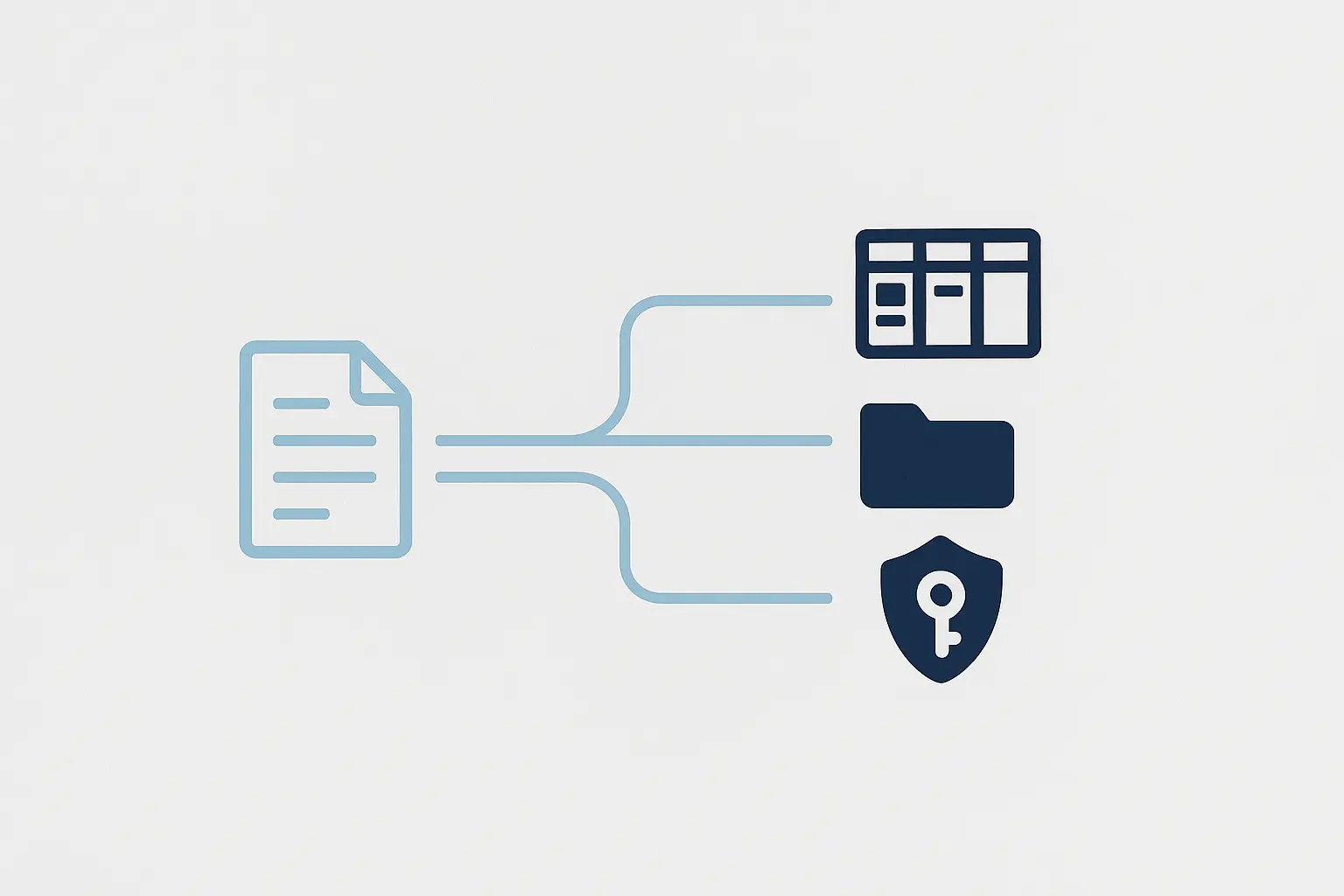
You brace for the storm of manual tasks: copy-pasting the client’s details from an email into a spreadsheet, then into your project management tool, then your CRM. You draft a separate email asking for access to their website, Google Analytics, and social accounts. You create a new folder in Google Drive. You manually assign the first batch of boilerplate tasks to your team.
Sound familiar? This isn’t just a minor administrative headache; it’s a massive, hidden drain on your agency’s resources. In fact, research shows that professionals spend, on average, a staggering 520 hours per year on repetitive tasks that could easily be automated. That’s the equivalent of 13 full-time work weeks spent on low-value admin instead of high-value strategy and client work.
It’s time to fix the leak.
Why Your Manual Onboarding Is Costing You More Than Time
When every new client kicks off a flurry of manual data entry, you’re not just losing hours—you’re actively capping your agency’s growth potential.
The true costs of a clunky onboarding process run deeper and are more damaging than most agency owners realize.
The High Price of Human Error
Let’s be honest: copy-pasting is a recipe for disaster. A typo in a domain name, a wrong digit in a phone number, or a misremembered project goal can create friction and require rework before the project has even begun. The impact isn’t trivial; automation can reduce data entry errors by as much as 90%, ensuring accuracy from the very first interaction. A smooth start builds a foundation of trust, while a rocky one plants early seeds of doubt.
The Client Experience Chokehold
Your onboarding process is your client’s first real taste of what it’s like to work with you. A slow, disorganized experience filled with back-and-forth emails for basic information sends a clear message: “We’re not as buttoned-up as we seemed during the sales process.”
You’re not alone in this struggle. A remarkable 82% of small business owners admit that onboarding new clients is a significant challenge. But turning this common pain point into a seamless, professional, and surprisingly fast experience immediately sets you apart from the competition.
The Scalability Ceiling
You can’t hire your way out of an inefficient process. If each new client requires three to five hours of manual setup, you can only grow as fast as your administrative capacity allows. This manual bottleneck creates an invisible ceiling, preventing you from confidently taking on more clients and trusting your systems to handle the load.
The Anatomy of an Automated Onboarding Workflow
The solution is to build a system—an automated workflow that turns a multi-hour, multi-step headache into a single, elegant process that runs in the background. It’s built on three pillars: a smart intake form, automated project setup, and seamless access requests.
Step 1: The Smart Intake Form
This is your single source of truth. Forget messy email chains and scattered notes. A smart intake form is a dynamic, online form that captures every piece of information you need from the client in one go.
What it is: A comprehensive form built with a tool like Gravity Forms, JotForm, or Typeform. It should collect everything from company contact information and project goals to initial login details for key platforms.
How to automate it: This is where the magic starts. The moment the client hits “Submit,” the data doesn’t just sit in a database; it becomes the trigger for your entire onboarding sequence. This single step eliminates the manual data entry that 47% of businesses report as their biggest time-waster.
Step 2: Automated Project Setup
With the client’s data captured, your automation platform builds the project’s entire infrastructure without a single click from you.
What it is: The automatic creation of projects, tasks, and folders across your tech stack.
A Simple Automation Recipe (using a tool like Zapier or Make):
- Trigger: A new entry is submitted via your Smart Intake Form.
- Action 1: Create a new project in Asana, ClickUp, or Trello from a pre-built template, populating the project name and description with data from the form.
- Action 2: Create a new client folder in Google Drive or Dropbox, named automatically using the client’s company name from the form.
- Action 3: Add the client as a new contact or deal in your CRM (like HubSpot), mapping all relevant fields.
This ensures consistency for every project and frees your project managers to focus on strategy, not setup. That level of process efficiency is the backbone of successful agency SEO automation, where speed and accuracy are paramount.
Step 3: Seamless Access Requests
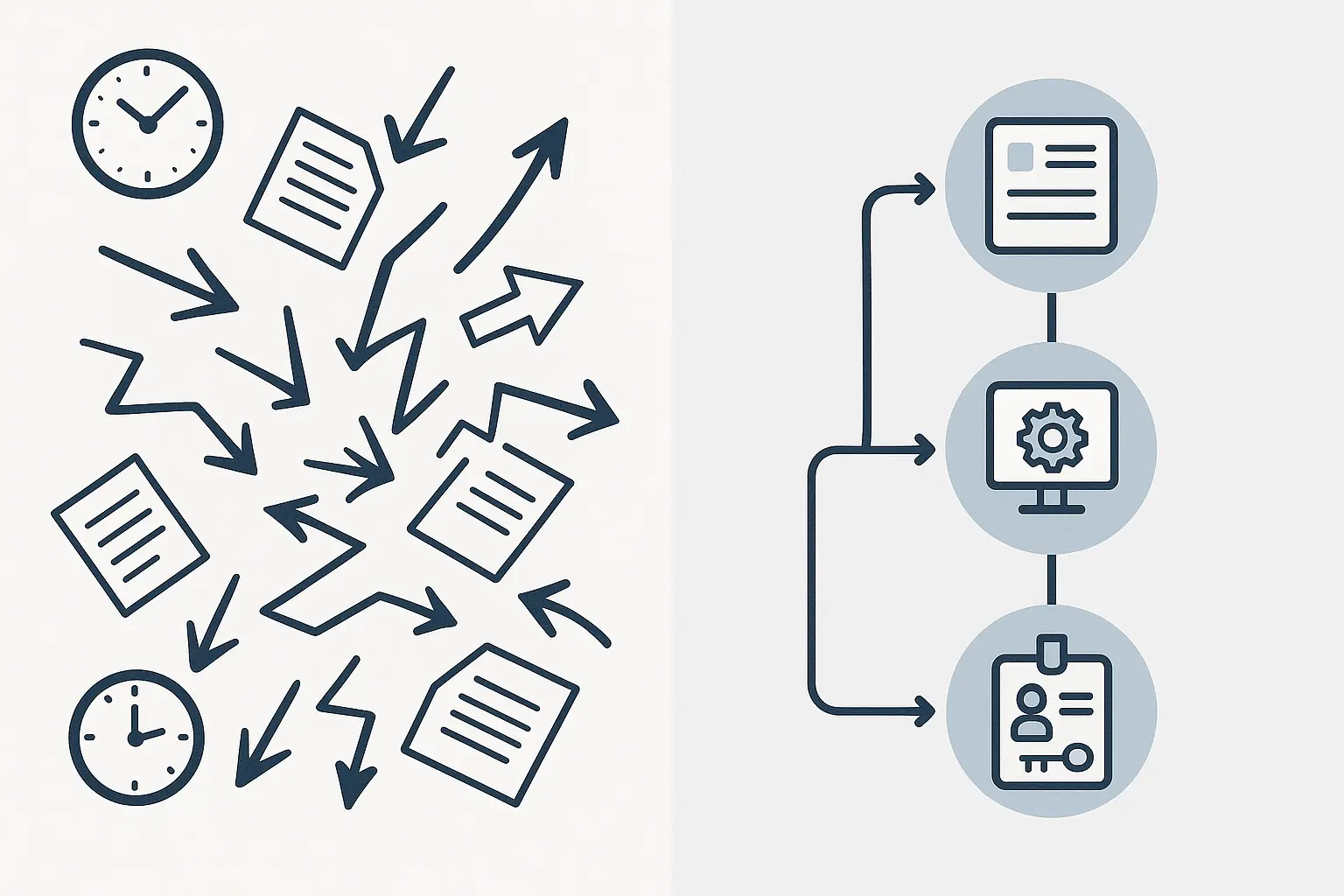
Chasing down passwords and logins is often the most frustrating part of onboarding. It’s insecure, inefficient, and uncomfortable for both you and your client. Automation can professionalize and secure this entire exchange.
What it is: An automated email that directs the client to a secure, easy-to-use method for sharing credentials.
A Simple Automation Recipe:
- Trigger: A project is created in your project management tool (from Step 2).
- Action: Send a templated welcome email to the client. This email includes a personal note but also a clear call-to-action: “To get started, please provide access to your key platforms via our secure portal here.” This link can lead to a secure form or a password management tool like LastPass.
This automated request system not only saves time but also shows your clients you take their security seriously.
Putting It All Together: Your Onboarding Flywheel
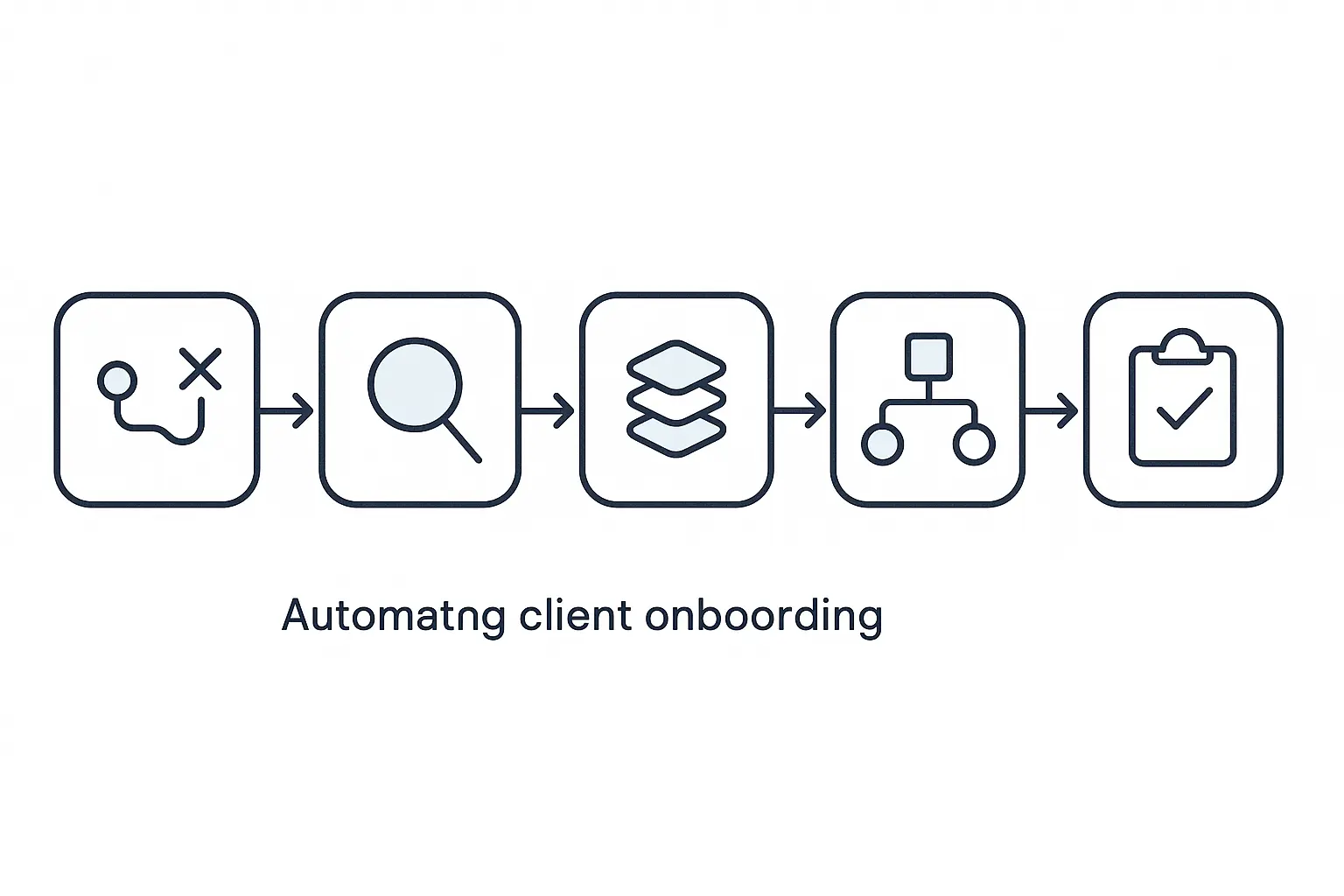
When you connect these three steps, you create more than just a workflow; you build an onboarding flywheel. The client provides the initial push by filling out one form, and the system’s momentum handles the rest.
The result? Hours of manual work are compressed into minutes. Projects are set up perfectly every time. And your team can start delivering value from day one. This isn’t just about saving time; it’s about building a scalable foundation for growth. The payoff is tangible: companies that use automation effectively see a 10% or more increase in revenue within 6-9 months, as it allows them to service more clients more efficiently. For agencies that provide ongoing services like white-label SEO fulfillment, this speed and reliability become a powerful competitive advantage.
Frequently Asked Questions (FAQ)
What tools do I need to get started with onboarding automation?
You can build a powerful system with just three types of tools:
- A Form Builder: Gravity Forms (for WordPress), JotForm, Typeform, or Cognito Forms.
- An Automation Platform: Zapier is the most popular, but Make (formerly Integromat) is a powerful alternative.
- Your Core Tools: A project management app (Asana, ClickUp, Trello) and cloud storage (Google Drive, Dropbox).
Is this expensive to set up?
It doesn’t have to be, especially when you compare the cost to the hours you’ll save. Many of these tools have free or low-cost starter plans. The small monthly fee for an automation platform is easily offset by reclaiming even one or two billable hours per month.
How do I handle clients who aren’t tech-savvy?
The beauty of this system is that the complexity is all on your end. For the client, the experience is simpler than ever. They only have to interact with one thing: a clean, professional, and easy-to-understand online form.
Can I really automate everything in my onboarding?
You can automate the 90% of tasks that are repetitive and administrative. This frees you and your team to focus on the 10% that truly matters: a personal welcome call, a strategic kickoff meeting, and building a real human connection with your new client.
From Onboarding to Outstanding: Your Next Step
Automating your client onboarding isn’t just a “nice to have”—it’s a strategic imperative for any agency that wants to grow without breaking. By turning a chaotic, manual process into a smooth, reliable system, you create a better experience for your clients, a more efficient workflow for your team, and a clear path to profitability.
This is the first, most crucial step in building an agency that runs on systems, not stress. Once you see the power of automation here, you’ll start seeing opportunities for efficiency everywhere.
Ready to build a more profitable, streamlined agency? Learn how we help you scale your agency with powerful automation and fulfillment services.