You just finished a client call. They’re thrilled with the latest SEO report and have a few new content ideas. You open Asana to create the tasks, but then you pause.
Where do they go?
Do you create a task and assign it directly to your white-label SEO partner, hoping the client doesn’t spot their name in the activity log? Do you build a separate, private project and spend your afternoon copying and pasting updates between the two?
If this sounds familiar, you’re not alone. For the millions of businesses running on Asana—including 75% of the Fortune 500—integrating an external partner can feel like forcing two mismatched puzzle pieces together. The result is often a messy, inefficient process that puts your client relationships at risk.
The problem isn’t the tool; it’s the workflow. Let’s fix that.
Why Your Current Asana Setup Might Be Sabotaging Your Partnership
Most agencies approach collaboration with a single, shared project board. It seems simple enough, but it creates a fundamental conflict: you need a space for transparent client updates and a private backchannel for internal instructions, feedback, and raw data from your partner.
When these two streams of communication mix, chaos follows.
Research shows that while 96% of high-performing projects are managed with project management software, a staggering 54% of organizations still lack access to real-time project KPIs. Why? Because data is scattered, communication is fragmented, and no one has a single source of truth.
For an agency, this can lead to:
-
Accidental Transparency: A client sees a candid comment from your partner about keyword difficulty or a technical issue before you’ve had a chance to frame it.
-
Death by a Thousand Updates: You waste hours deciphering partner-speak into client-friendly language and copying notes from one task to another. This manual work is exactly the kind of friction that leads to burnout; one study found that 1 in 3 knowledge workers has quit a job because of frustrating tech.
-
Loss of Control: Without a clear system, you become a mere message forwarder instead of a strategic project lead.
The goal isn’t just to manage tasks. It’s to build a seamless operational bridge that keeps your partner invisible and your agency in complete control.
The Two-Lane Highway: A Better Framework for Partner Collaboration
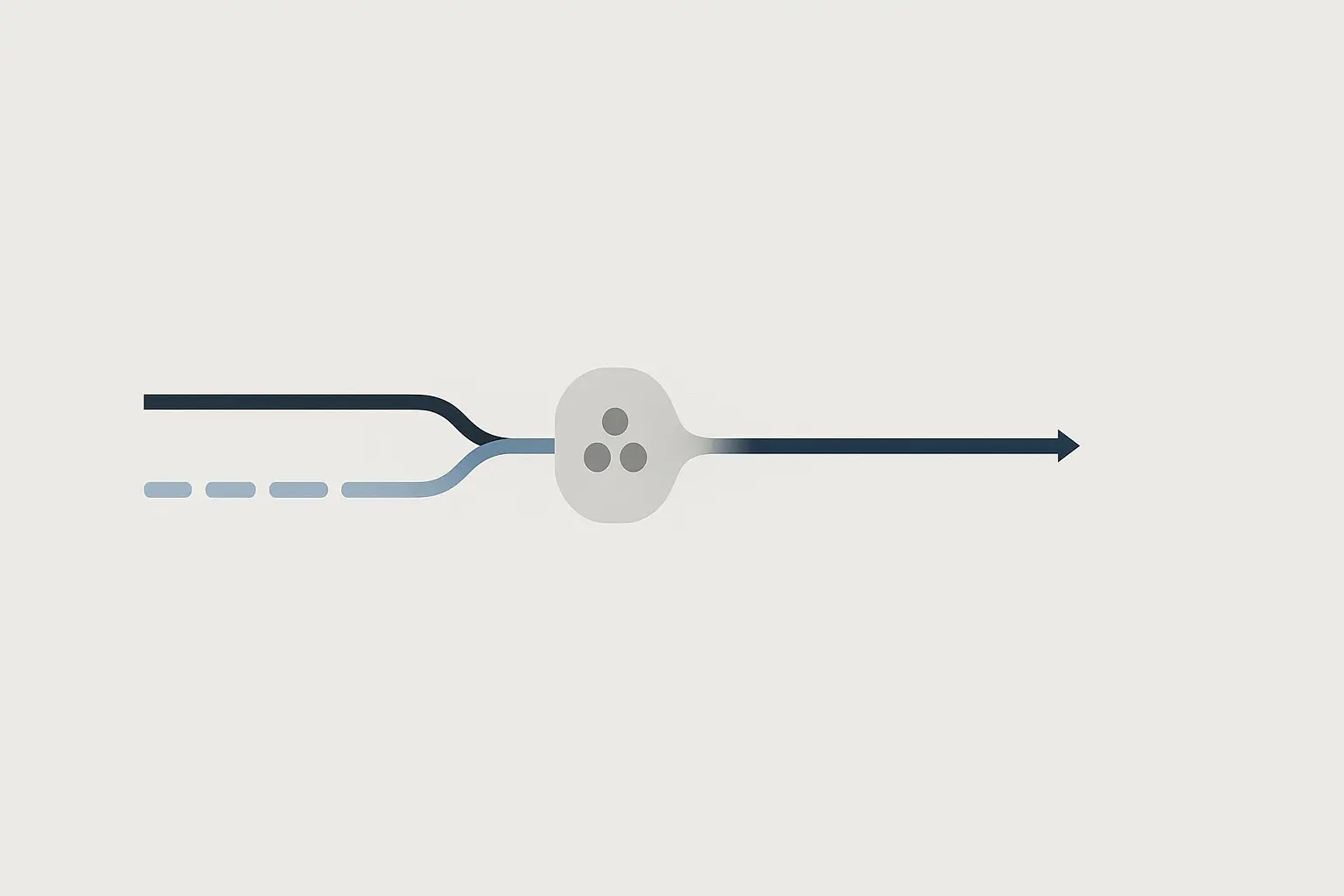
The solution is to think of your Asana project not as a single road, but as a two-lane highway.
Lane 1 (Client-Facing): This is your polished, public-facing lane with high-level tasks, key milestones, and approved deliverables. All communication here is professional and client-ready.
Lane 2 (Partner-Private): This is your internal execution lane. It’s where the real work happens—technical instructions, drafts, questions, and progress updates between you and your partner—and it’s completely invisible to the client.
These two lanes run in parallel within the same Asana project, giving you a unified view without exposing the messy-but-necessary work behind the curtain.
This structure transforms your workflow from a source of friction into a strategic advantage, allowing you to scale your agency without the growing pains.
Step-by-Step: Building Your White-Label Workflow in Asana
Setting up this system takes a little thought upfront, but the payoff is immense. Workflow automation can save employees over 400 hours per year, and a well-designed system is the foundation of that efficiency.
Step 1: Establish Your Communication Protocol
First, agree on the rules of engagement with your partner. Define which channel to use for which type of communication.
-
Asana: For all task-related communication, feedback, and status updates. This is your system of record.
-
Slack/Teams: For urgent, time-sensitive questions that need an immediate answer (‘Is the site down for you?’).
-
Email: For formal documentation like contracts or monthly report summaries (though the reports themselves should be linked in Asana).
This simple step prevents ambiguity and makes sure nothing falls through the cracks.
Step 2: Design Your Asana Project Template
Consistency is key. Build a template you can duplicate for every new client to ensure your process is repeatable and scalable. Use Asana’s Sections to create your two lanes.
Your template could look something like this:
-
Section 1: Key Milestones & Deliverables (Client-Visible)
- Task: Monthly Performance Report – May
- Task: Q3 Content Strategy Approval
-
Section 2: Internal Review & Approval (Agency-Only)
- Task: Review Draft of ‘Top 10 Gadgets’ Blog Post
- Task: Approve New Backlink Targets
-
Section 3: Partner Execution (Private to Agency & Partner)
- Task: Write Draft of ‘Top 10 Gadgets’ Blog Post
- Task: Execute Technical Audit Fixes for Redirects
Use Asana’s privacy settings to ensure clients can see and comment on tasks only in the appropriate sections, while your partner has access to the execution-focused areas.
Step 3: Master the Art of the Private Task and Subtask
This is where the magic happens. The client sees a single, clean task like, ‘Publish June Blog Post,’ but inside that task is where you build the private workflow.
-
Create the Parent Task: This is the client-facing task (e.g., ‘Publish June Blog Post’). Assign it to yourself and set the public due date.
-
Create Private Subtasks: Inside the parent task, create subtasks for your partner (e.g., ‘Keyword Research,’ ‘Write Outline,’ ‘First Draft’). Assign these directly to your partner’s Asana account.
-
Use Comments for Communication: All conversation about execution happens within the subtasks or the parent task’s comment section, keeping the discussion hidden from the client but attached to the relevant work.
The client sees a simple progress bar, while you and your partner have a detailed, actionable workspace.
Step 4: Automate Your Handoffs with Asana Rules
With a solid structure in place, you can eliminate manual updates. Asana Rules are simple ‘if-this-then-that’ automations that handle the administrative work for you. In fact, 80% of project managers are looking for more AI and automation to handle precisely these kinds of tasks.
Here are a few powerful rules to set up:
-
Rule 1: When a subtask assigned to your partner is marked Complete -> change the parent task’s custom field to ‘Ready for Internal Review’ and assign it to the Agency Project Manager.
-
Rule 2: When a task is moved into the ‘Internal Review & Approval’ section -> notify the Agency Project Manager in Slack.
-
Rule 3: When a due date is 24 hours away and the task is not complete -> add a comment mentioning the assignee to check in.
These automations create a self-managing system that keeps projects moving forward, freeing you up to focus on strategy and client relationships.
The Payoff: More Than Just a Tidy Asana Board
Implementing this workflow does more than just organize your tasks; it elevates your entire service delivery.
-
It Solidifies Your Brand: You present a polished, unified front. The client sees one cohesive team, reinforcing your agency’s value and control.
-
It Enables Scalability: With a repeatable process, onboarding new clients and adding more complex projects becomes a simple matter of duplicating a template, not reinventing the wheel.
-
It Streamlines Reporting: When it’s time to build your monthly SEO reporting, all the deliverables, dates, and results are already organized in one place. No more hunting through emails and chat logs.
Ultimately, a streamlined workflow allows you to confidently offer a full suite of white-label SEO services and deliver them with predictable, high-quality results.
Frequently Asked Questions (FAQ)
What if my white-label partner doesn’t use Asana?
A great partner should be flexible enough to work within your systems. Most platforms, including Asana, offer free guest access that allows partners to be assigned tasks and comment without needing a full paid seat. For more complex integrations, tools like Zapier or Unito can sync tasks between different project management apps.
How do I handle client feedback within this system?
The Agency Project Manager always acts as the gatekeeper. When client feedback comes in (via email, a call, or a comment in Asana), you are responsible for translating it into clear, actionable instructions. You then create a new private subtask or comment for your partner, insulating them from direct, unfiltered client communication.
This sounds like it will create more work for me. Is it worth it?
While there’s an initial time investment to build the template and establish the protocol, this upfront work pays dividends almost immediately. By eliminating daily inefficiencies like copy-pasting updates, clarifying instructions, and manually checking statuses, you’ll save countless hours each month and reduce the risk of critical errors.
From Cluttered to Cohesive
Managing an external partner doesn’t have to be a source of stress. By treating your Asana workspace as a strategic tool—with clear lanes for public and private communication—you can build a workflow that is efficient, scalable, and completely invisible to your client.
You maintain full control, your partner has the clarity they need to execute, and your client experiences a seamless, professional service that reinforces why they chose to work with you in the first place.