
You did it. After months of strategic work, your real estate client is ranking for “luxury condos in downtown miami.” The traffic is flowing, and submissions are rolling into the website’s contact form. You send the monthly report, highlighting the impressive spike in organic visitors and conversions. Everyone celebrates.
A month later, the client calls. “The traffic is great,” they say, “but we’re not sure any of these leads are turning into actual business.”
That’s the moment the celebration stops. It’s an all-too-common scenario, creating a frustrating gap between marketing efforts and sales results. The problem isn’t the leads themselves, but the broken handoff between the moment a prospect clicks “submit” and an agent has their first conversation.
Simply generating a lead is only half the battle. Research paints a stark picture: a staggering 79% of marketing leads never convert into sales, and a lack of lead nurturing is a common culprit. The journey from click to client is where the real value of SEO is either realized or lost.
The Leaky Bucket: Why Manual Lead Handling Doesn’t Work
For many real estate agencies, an SEO lead arrives as an email notification. From there, a manual process kicks in: the email is forwarded to an agent, who might copy and paste the details into a spreadsheet or their CRM, and then—if they aren’t already on a call or at a showing—they follow up.
This process is a “leaky bucket.” Every manual step is a potential point of failure.
The odds of contacting a lead decrease over 100 times if you wait 30 minutes versus 5 minutes. In the competitive real estate market, 30 minutes is an eternity. While you’re manually forwarding an email, your competitor—whose system is automated—is already on the phone with that prospect.
This isn’t a hypothetical scenario; it’s the reality of modern sales, where only 27% of leads are ever contacted by a sales rep. This is where closing the loop becomes a game-changer. It’s about creating a seamless, automated bridge between your website and your CRM to ensure every lead is captured, nurtured, and tracked instantly.
The Framework: Connecting Your Website to Your CRM
Connecting your SEO efforts directly to a real estate CRM like Follow Up Boss, LionDesk, or Top Producer isn’t just a technical task; it’s a strategic imperative. It transforms your website from a passive brochure into an active, intelligent lead generation machine.
Here’s a simple framework to make it happen.
Step 1: Map the Lead Journey
Before you connect anything, you need to know where your leads are coming from. Look at your website and identify every single conversion point. These might include:
- The main “Contact Us” form.
- “Schedule a Viewing” buttons on property listings.
- Forms to download a “Neighborhood Guide” or “Home Buyer’s Checklist.”
- Pop-ups offering a free home valuation.
Each of these is a potential entry point. Your goal is to ensure that every lead, no matter which door they use, is routed to the same central system: your CRM.
Step 2: Build the Bridge with an Integration
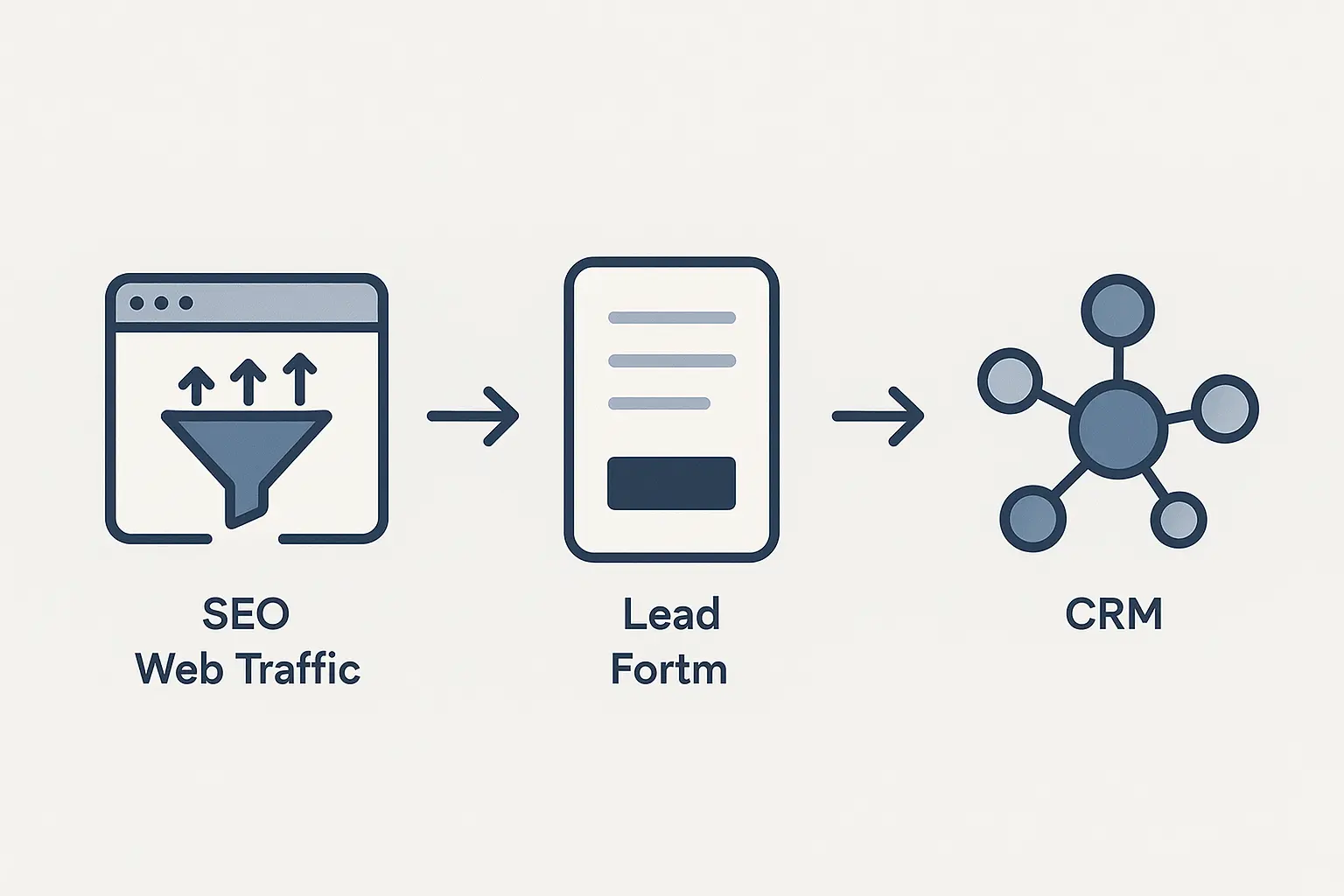
Once a user fills out a form, the data needs to travel to the CRM. This is the “digital handshake” that passes the baton from marketing to sales. You have two primary ways to build this bridge:
-
Native Integrations: Many modern website platforms and form builders (like Gravity Forms or HubSpot Forms) offer direct, built-in integrations with popular CRMs. This is often the simplest path.
-
Middleware (like Zapier): Tools like Zapier act as universal translators. They can connect virtually any form on your website to any CRM. You simply create a “Zap” that says, “When a new entry is submitted on my website form, create a new lead in Follow Up Boss.”
The goal is to make this data transfer instant and automatic, eliminating the delays and errors of manual entry.
Step 3: Pass Marketing Intelligence with Hidden Fields
This step separates a basic integration from a truly growth-focused one. You don’t just want to send the lead’s name and email; you want to send the context of how they found you.
This is accomplished with hidden fields in your website forms. These are fields that users don’t see, but they capture crucial SEO data and pass it to the CRM. This data can include:
- Source/Medium: (e.g., google / organic)
- Campaign: (e.g., miami-condos-seo)
- Landing Page: The exact page the user was on when they converted.
When this information populates a lead’s profile in the CRM, the agent immediately has valuable context. They know the lead came from an organic search about luxury condos, not a general branding ad. This allows them to tailor their conversation from the very first word, dramatically improving conversion rates. This is a core part of a modern omnichannel SEO strategy, connecting data points across the entire customer journey.
Step 4: Automate the First Touch and Beyond
With the lead and its marketing context now instantly in the CRM, the final step is to automate the sales process. The moment the lead is created, your CRM can trigger a sequence of events:
- Instant Assignment: The lead is automatically assigned to the right agent based on zip code, property type, or a simple round-robin system.
- Immediate Confirmation: An automated email and text message are sent to the prospect, thanking them for their inquiry and letting them know an agent will be in touch shortly. This satisfies their need for an instant response.
- Task Creation: A task is automatically created and assigned to the agent, telling them to call the new lead within 5 minutes.
- Nurture Sequence: The lead is added to a long-term drip campaign. Since we know it takes an average of 8-12 touches to convert a lead, this ensures no one falls through the cracks.
By automating these steps, you not only solve the “speed to lead” problem but also create a consistent, professional experience for every single prospect. This level of efficiency is key to scaling your agency with SEO, as it allows your team to handle more leads without getting overwhelmed.
From Cost Center to Revenue Driver
When you fail to close the loop, SEO can feel like a cost center—an activity that generates vanity metrics like traffic and rankings but has only a fuzzy connection to revenue.
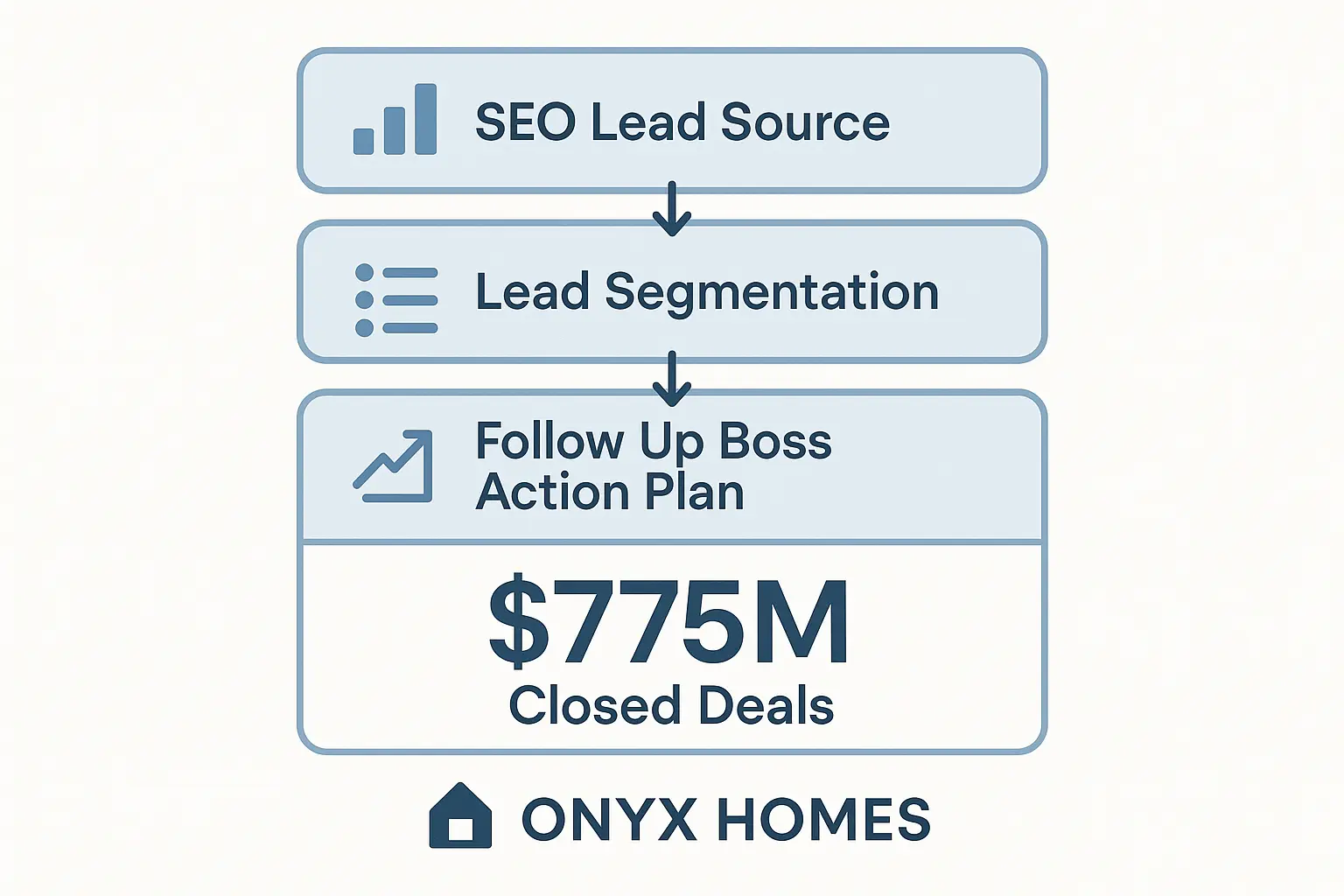
By integrating your website with a CRM, you change the entire conversation. You can now track a lead from the initial keyword search all the way to a closed deal. This provides irrefutable proof of ROI and positions SEO as a direct driver of business growth. For those offering white-label SEO for agencies, building this kind of measurable, end-to-end system is the ultimate way to demonstrate value and build long-term client partnerships.
The goal isn’t just to get your client on the first page of Google; it’s to make their phone ring, fill their pipeline, and help them close more deals. Closing the loop is how you make that happen.
Frequently Asked Questions (FAQ)
-
What is a CRM?
CRM stands for Customer Relationship Management. It’s a software system that helps businesses manage all their communications and relationships with current and potential customers. For real estate, it’s the central hub where agents track leads, conversations, properties, and deals. -
Do I need a developer to set up this integration?
Not necessarily. Tools like Zapier are designed for non-developers and use a simple, user-friendly interface. Many website form plugins also have simple, one-click integrations with CRMs that you can set up yourself. For more complex setups, like passing custom data through hidden fields, you might need some light developer assistance. -
What specific information should I send to my CRM?
At a minimum, send the basics: name, email, and phone number. To truly empower the sales team, you should also send:
- The specific form they filled out (e.g., “Contact Us” vs. “Home Valuation”).
- The lead source (e.g., Google Organic, Facebook Ad).
- The original landing page URL.
- Any messages or property details they provided.
-
Can I integrate any website form with a CRM?
Almost always, yes. Whether you’re using a standard WordPress form, a sophisticated marketing automation platform, or a custom-coded solution, there’s nearly always a way to capture the submission data and send it to a CRM, either through a direct integration or a middleware tool. -
Which real estate CRM is the best?
The “best” CRM depends on the team’s size, budget, and specific needs. Follow Up Boss is extremely popular for its focus on lead follow-up and automation. LionDesk, Top Producer, and kvCORE are also major players. The key isn’t which CRM you choose, but that you do choose one and integrate it fully with your marketing efforts.
What’s Next?
Understanding this framework is the first step toward building a more accountable and effective SEO strategy. The next step is to audit your current lead flow, identify the gaps, and start building the bridges that will turn your website traffic into measurable sales results.