
Beyond Sitemaps: How to Get Client News & Events Indexed Instantly
Imagine this: your agency just helped a client, a local news publisher, break a major story. The article is live, the social media team is ready, but when you search for it on Google… nothing. An hour goes by. Still nothing.
By the time the article finally appears, the conversation has moved on, and a massive wave of traffic has been lost to a competitor who was indexed first.
If this scenario feels familiar, you’ve encountered one of the biggest challenges in modern SEO: the speed gap. Traditionally, we publish content, update a sitemap, and wait for Google to find it. But in a world driven by AI news aggregators and real-time search, waiting is no longer an option. For time-sensitive content, you don’t just need to submit your URL—you need a direct hotline to the search engine.
That hotline is Google’s Indexing API.
The Old Way Is Too Slow for Today’s Internet
For years, the standard process for getting a new page indexed has been passive. We relied on:
-
Sitemaps: A list of all your important pages that you submit to Google. It’s like sending a letter and saying, ‘Here’s my updated catalog; please review it when you have a moment.’
-
Internal Links: Hoping Googlebot discovers the new page by crawling from an existing, popular page.
-
Manual Submission: Using the URL Inspection tool in Google Search Console to request indexing for a single page.
These methods work, but they operate on Google’s schedule, which can take anywhere from a few hours to several days. This was fine when search results were a static list of ten blue links, but that era is over.
Search is now a dynamic, continuous feed where recency is a massive factor. For news, events, and livestreams, a delay of even 30 minutes can mean the difference between leading the conversation and being irrelevant.
What is the Indexing API, Really? A Direct Line to Google
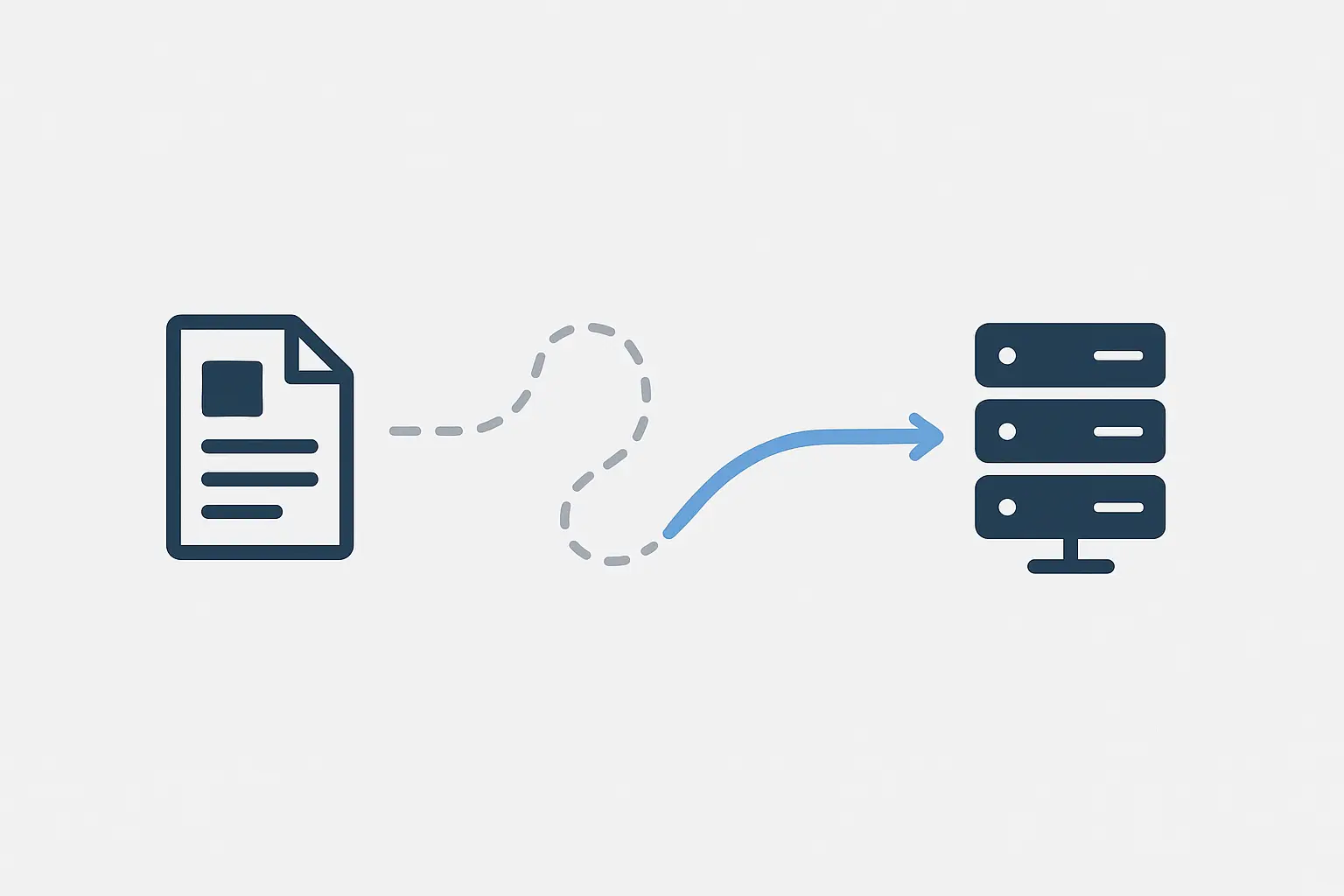
Think of the Indexing API as a priority notification system. Instead of leaving a message (sitemap) and hoping for a callback, you’re sending a direct, urgent alert to Google that says: ‘Pay attention! This specific page is new or has been significantly updated, and it’s important right now.’
This API call prompts Google to schedule a high-priority crawl, often leading to indexing in a matter of minutes, not hours or days.
Crucially, the Indexing API is not a replacement for sitemaps. Sitemaps are still essential for comprehensive site discovery, while the API is a precision tool designed for a very specific purpose. Google officially states it should only be used for pages with two types of schema:
- JobPosting (for job listings)
- BroadcastEvent (for livestreams, which can also be used for news and events)
Using it for your client’s new evergreen blog post or ‘About Us’ page is misusing the tool and could lead to Google ignoring your future requests.
The ‘Aha Moment’: When Should Your Agency Use the Indexing API?
This is where you can create a real competitive advantage for your clients. By identifying the right moments to use it, you can ensure they capture traffic at its absolute peak.
Here are a few client scenarios where the Indexing API is a game-changer:
- News Publishers & Media Outlets: For breaking news, live blogs, and important updates, instant indexing is non-negotiable.
- Event-Based Businesses: A client announcing a concert, a webinar, or a limited-time flash sale needs that URL visible the moment it goes live.
- Job Boards & Recruiters: When a new position opens, getting it indexed immediately ensures it reaches the widest pool of applicants before competitors.
- Financial News Sites: Stock market updates or earnings reports are worthless if they’re indexed hours after the fact.

Getting indexed instantly isn’t just about search; it’s a key part of a broader omnichannel strategy that connects search visibility with social media buzz and real-time user engagement. When a trending topic explodes on X (formerly Twitter), having your client’s article already indexed and ranking on Google amplifies their authority immensely.
How Does It Work? A 10,000-Foot View
While the full implementation requires some technical setup, the process is conceptually simple. For agencies, understanding the workflow is key to seeing how you can integrate it into your service offerings.
-
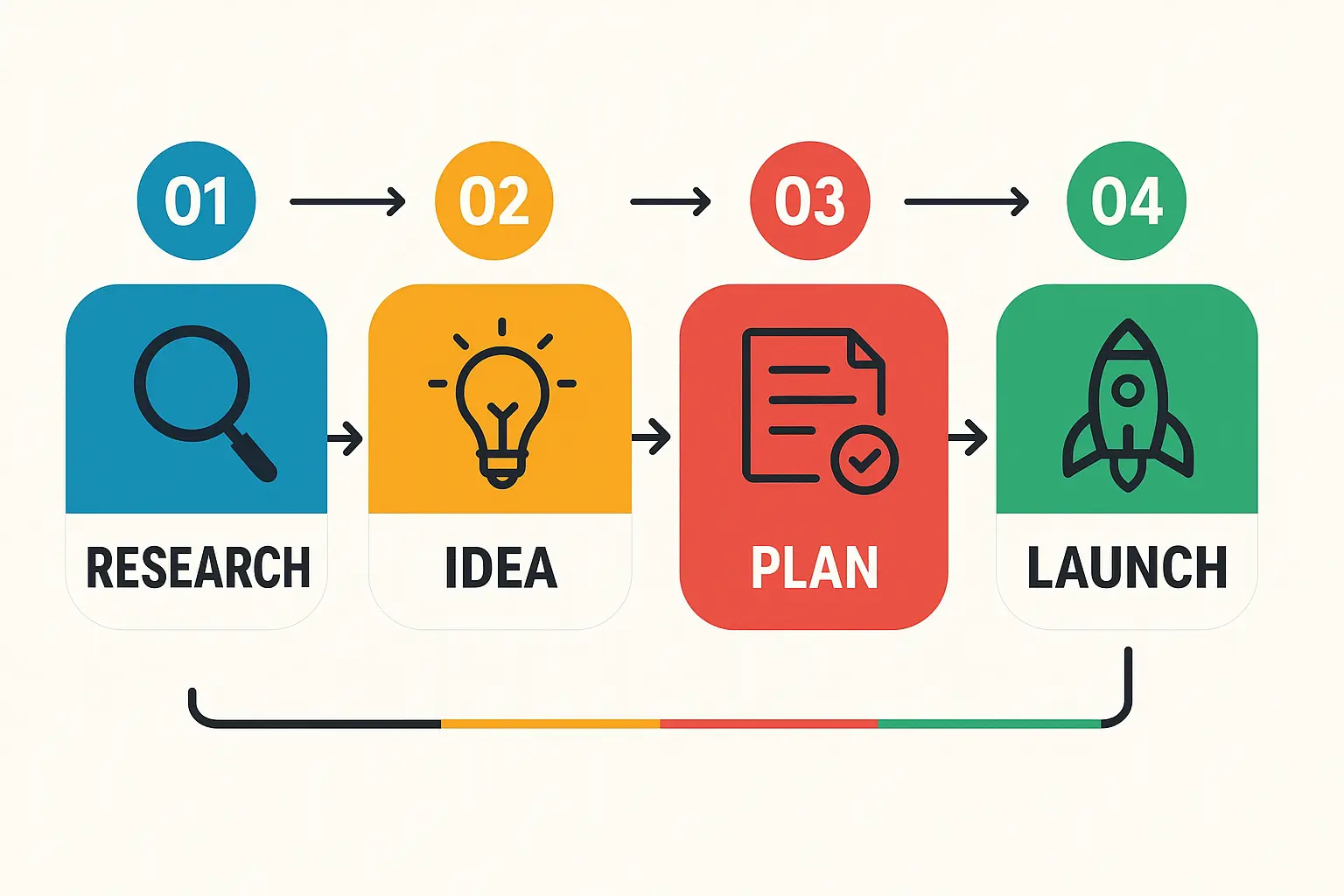
One-Time Setup: A developer creates a project in Google Cloud, enables the API, and creates a service account (a special account for applications, not people). This service account is then granted ownership of the relevant property in Google Search Console.
-
Content Publication: Your client publishes a new job posting or news article on their website.
-
API Notification: Their website’s backend automatically sends a notification to the Indexing API with the URL of the new or updated page.
-
Priority Crawl & Indexing: Google receives the notification and schedules a high-priority crawl, leading to near-instant indexing.
For agencies managing multiple clients with time-sensitive content, manually handling these API calls is impractical. This is where AI-driven SEO workflows become essential, automating the process to ensure no opportunity is missed and scaling this powerful advantage across your entire client portfolio.
FAQ: Your Indexing API Questions Answered
Does the Indexing API replace sitemaps?
No, they serve two different functions. Sitemaps are for broad, site-wide discovery and should include all of your canonical URLs. The Indexing API is a surgical tool for notifying Google about individual, time-sensitive pages that need immediate attention. You should use both.
Can I use the API for a standard blog post or a new product page?
Officially, no. Google has been very clear that the API is intended only for pages with JobPosting and BroadcastEvent schema.
While some in the SEO community have experimented with other page types, it’s a violation of the guidelines and could result in Google revoking your access. It’s best to stick to the intended use cases.
Is there a cost to use the Google Indexing API?
The API itself is free. However, Google enforces quotas on the number of requests you can make per day to prevent abuse. For most businesses, these quotas are more than generous enough.
What happens if my agency misuses the API for a client?
If you repeatedly submit URLs that don’t fit the JobPosting or BroadcastEvent criteria, Google may start ignoring your requests or disable the API for your project. This is why it’s critical to use it correctly and strategically.
Don’t Just Publish—Announce Your Content to the World
In the age of AI and real-time information, the agencies that win will be the ones that master speed and efficiency.
Relying on passive indexing methods for time-sensitive content is like showing up to a race after the winner has already crossed the finish line.
By understanding and leveraging tools like the Indexing API, you can move your clients from simply publishing content to actively announcing it to the world’s largest search engine at the exact moment it matters most. This shift in thinking is the first step toward building a truly modern, growth-focused SEO strategy that delivers measurable results.
