

Controlling Index Bloat: A Scalable AJAX & JavaScript Framework for E-commerce Faceted Navigation
You’ve been there. You land a promising new e-commerce client with thousands of products, a beautiful website, and a solid brand. Yet, their organic traffic has completely flatlined.
You dig into Google Search Console and see that out of 500,000 known URLs, only 50,000 are indexed. What’s going on?
The culprit is often hiding in plain sight: the website’s filter menu. That helpful sidebar allowing users to filter by size, color, brand, and price is secretly creating a labyrinth of URLs that can bring Google’s crawlers to a grinding halt. This phenomenon, known as index bloat, is one of the most common—and damaging—technical SEO issues plaguing large e-commerce sites.
Today, we’re not just going to diagnose the problem. We’re going to walk through the modern, scalable framework to fix it for good.
What is Faceted Navigation (And Why Does Google Struggle With It?)
From a user’s perspective, faceted navigation is fantastic. It allows a customer to start on a broad category page like “Women’s Running Shoes” and progressively narrow down the options until they find the perfect pair.
- Filter by Brand: Nike
- Filter by Size: 8
- Filter by Color: Blue
For a human, this is a simple, intuitive process. For a search engine bot, it’s a combinatorial explosion. Each filter combination creates a brand-new URL parameter, such as:
- domain.com/shoes?brand=nike
- domain.com/shoes?brand=nike&size=8
- domain.com/shoes?brand=nike&size=8&color=blue
- domain.com/shoes?color=blue&size=8&brand=nike (Note the different order!)
A handful of filters can spawn millions of unique, low-value URL combinations. This is the very definition of index bloat.
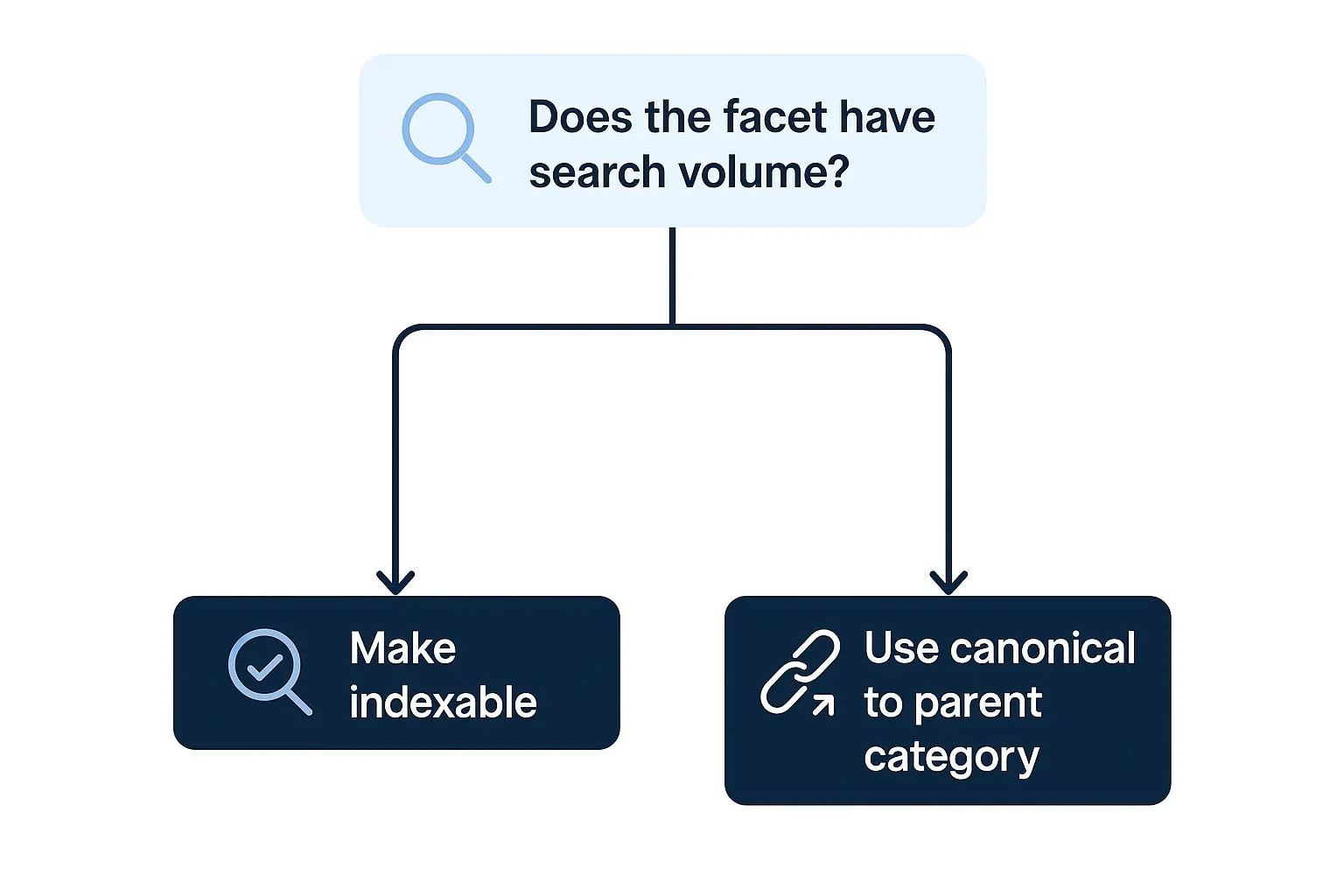
These generated pages are often thin, duplicative, and offer little unique value. Google knows this, and its crawlers are designed for efficiency. When they encounter what looks like an endless black hole of nearly identical pages, they start to back away.
The Crawl Budget Catastrophe: When “More” Means Less Visibility
Every website is allocated a “crawl budget”—the number of pages Googlebot will crawl and process within a given timeframe. This budget isn’t unlimited, and for large e-commerce sites, it’s a precious resource.
When faceted navigation runs wild, it forces Googlebot to waste its limited resources crawling thousands or even millions of pointless parameter-based URLs. This means it might never get to your most important pages: new product launches, core category pages, or cornerstone blog content.
The result often looks like this in Google Search Console—a massive number of pages languishing in “Crawled – currently not indexed” or “Discovered – currently not indexed” limbo.
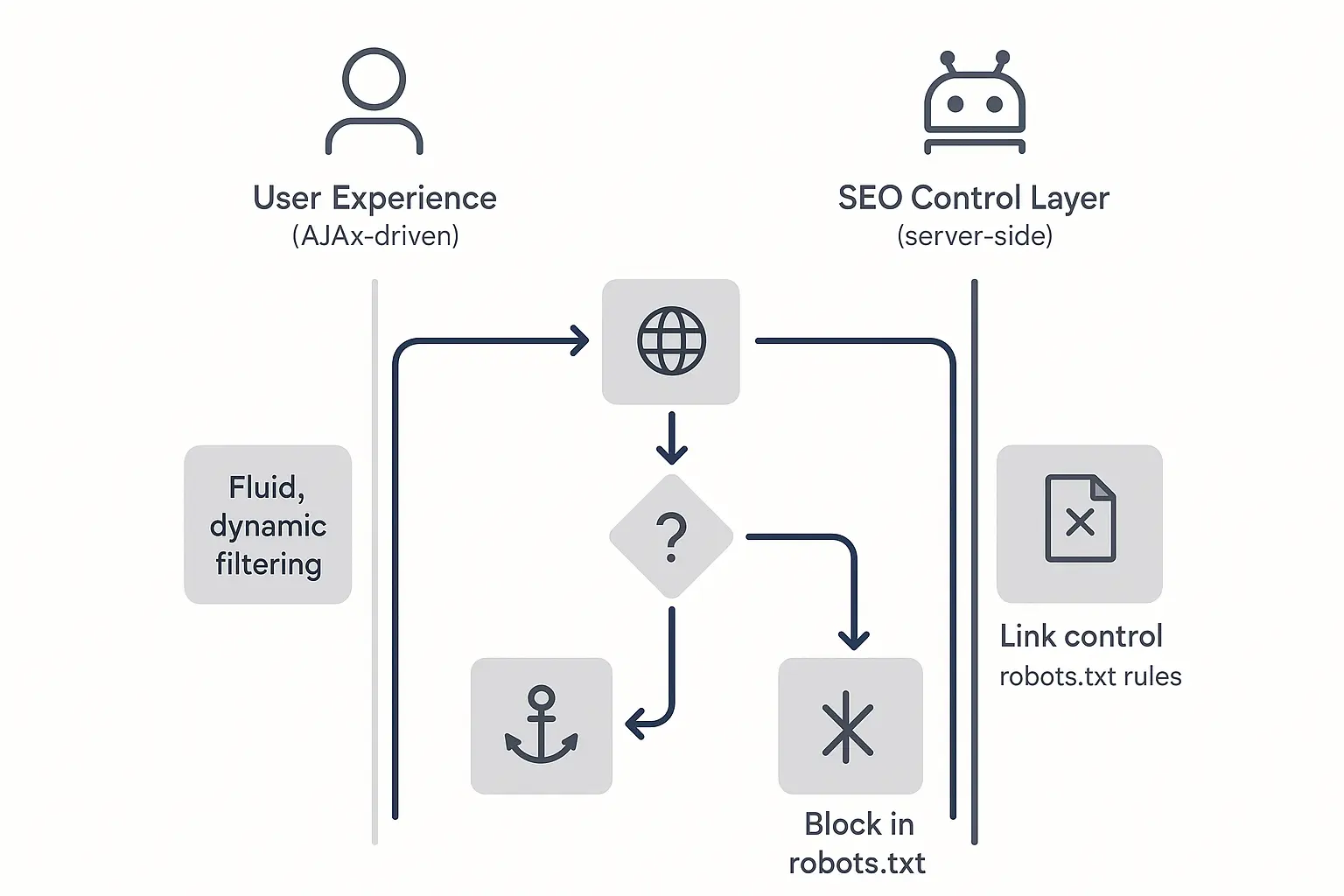
Google saw the pages, decided they weren’t worth the effort to index, and spent its valuable budget in the process.
Why Traditional “Fixes” Fail at Scale
Over the years, SEOs have tried several methods to tame faceted navigation. While well-intentioned, these solutions are often like putting a band-aid on a broken leg, especially for large-scale sites.
The robots.txt Trap
Many agencies start by adding a Disallow directive in robots.txt for URL parameters. The problem? robots.txt is a crawl directive, not an index directive. If any external site or internal link points to a disallowed URL, Google can still find and index it without ever crawling its content. You end up with indexed pages you have no control over.
The Canonical Conundrum
The next logical step is the canonical tag, pointing all filtered variations back to the main category page. This is a much better approach, but it’s still just a strong hint. If Google sees too many conflicting signals—like thousands of internal links pointing to the filtered URLs—it can choose to ignore the canonical tag altogether.
The nofollow Fallacy
What about adding rel=”nofollow” to all the filter links? For years, this was a common tactic. However, Google now treats nofollow as a hint, not a directive. It doesn’t prevent crawling or indexing, and it no longer traps PageRank. It’s simply not a reliable tool for controlling crawl budget anymore.
Making matters worse, the old Parameter Handling tool in Google Search Console is now deprecated. Google is sending a clear message: it’s our job to build websites that are efficient to crawl from the start.
The Solution: A Scalable, Client-Side AJAX Framework
So, how do we give users the filtering experience they love without confusing search engines? We change the underlying technology. Instead of generating new URLs for every click, we use JavaScript to fetch and display filtered content on the same page.
This approach, recommended by Google, leverages AJAX (Asynchronous JavaScript and XML) and the History API. Here’s the big idea:
- Serve a clean, fully crawlable HTML page for the primary category.
- Let client-side JavaScript handle all filtering actions without reloading the page.
How It Works: A Step-by-Step Breakdown
Let’s imagine our user is on www.example.com/womens-shoes.
-
The Base URL: Googlebot and the user both land on this clean, indexable URL. The page is server-side rendered, allowing the bot to see and process all the initial products immediately. This is critical, since Google has a hard limit of around 15MB of HTML per page—you want to serve the most important content first.
-
The User Action: The user clicks a filter, like “Size: 8.”
-
The AJAX Call: Instead of the browser requesting a new page (e.g., …/womens-shoes?size=8), a JavaScript function triggers in the background. It sends a request to the server asking for only the product data for size 8 shoes.
-
The DOM Update: The server sends back just the product data. JavaScript then seamlessly swaps the products on the page with the new, filtered set. With no full-page reload, the experience is lightning-fast for the user.
-
The History API: This is the key to making it all work for SEO and usability. The script uses the History API (pushState()) to update the URL in the browser bar. It might change to something like www.example.com/womens-shoes#size=8.
That hash (#) is everything. Googlebot generally ignores anything after a hash mark in a URL. It only ever sees and indexes the clean base URL: /womens-shoes. Meanwhile, the user gets a shareable URL they can bookmark or send to a friend that will correctly load the filtered view when opened.
Putting It Into Practice: Key Considerations for Your Agency
Implementing this isn’t a simple switch-flip. It requires collaboration between your SEO team and developers.
-
Start with an Audit: Before you propose a solution, you need to quantify the problem. Comprehensive technical SEO audits are the first step to identifying crawl budget waste and proving the need for a more robust framework.
-
Prioritize Progressive Enhancement: The website should still be functional and crawlable if JavaScript is turned off. The base category page with all products should load perfectly without any client-side rendering.
-
Plan for Scalability: For agencies managing dozens of client sites, implementing and maintaining these technical fixes can be overwhelming. This is where a partnership can be transformative. Scaling this level of remediation through a dedicated white-label SEO execution partner can dramatically increase an agency’s capacity and profitability.
Frequently Asked Questions (FAQ)
What is index bloat?
Index bloat occurs when a search engine indexes a massive number of low-value, duplicative, or thin-content pages from a single website. It dilutes the site’s authority and wastes crawl budget, preventing important pages from being indexed.
What is crawl budget?
Crawl budget refers to the amount of resources (time and number of pages) that a search engine like Google will dedicate to crawling a website. It’s finite and is influenced by factors like site size, health, and authority.
Is JavaScript bad for SEO?
Not at all. Modern SEO depends on JavaScript. The problem isn’t the technology itself but how it’s implemented. This AJAX framework is a perfect example of using JavaScript in an SEO-friendly way that improves both user experience and crawlability.
Why can’t I just noindex the filtered pages?
Using a noindex tag is a reactive solution. It still requires Googlebot to crawl the page first to see the tag, which wastes your crawl budget. The goal of the AJAX framework is to be proactive, preventing Google from discovering those unnecessary URLs in the first place.
How does this affect user experience?
It has a huge positive impact: with no full-page reloads, filtering becomes almost instantaneous. A fast, seamless user experience is a cornerstone of any modern omnichannel SEO strategy, leading to higher engagement and better conversion rates.
From Chaos to Control: Your Next Step
Uncontrolled faceted navigation is a silent killer of e-commerce SEO performance. It quietly eats away at your crawl budget, hides your best pages from Google, and puts a ceiling on your client’s organic growth potential.
By understanding the pitfalls of old methods and embracing a modern, scalable AJAX and JavaScript framework, you can transform a site’s technical foundation from a liability into a competitive advantage. The first step is to look for the signs. Dive into your clients’ Search Console reports. Are you seeing an ocean of non-indexed pages? If so, you’ve just found your next big opportunity to deliver incredible value.
