
Sound familiar?
You have a career-making call with a dream prospect in 15 minutes. Your screen is a chaotic mosaic of a dozen browser tabs: their LinkedIn profile, the company’s “About Us” page, a recent press release, a funding announcement from six months ago, and the CEO’s interview on a niche podcast.
You’re frantically trying to stitch this information into a coherent story, but time is running out. You know the key insight you need is buried somewhere in this digital haystack, and finding it feels impossible.
This frustration isn’t just a feeling; it’s a statistical reality. According to Gartner, sellers spend only about 28% of their time actually selling. The rest is eaten up by administrative and preparatory tasks, with pre-call research being a notorious time sink. It’s a draining cycle of busy work that keeps great salespeople from doing what they do best: connecting with people and solving problems.
The High Cost of “Good Enough” Research
In the rush to get on the call, many reps settle for a quick skim. They grab a few surface-level facts and hope for the best. The problem? Your prospects can tell.
Research from HubSpot reveals a critical disconnect: 42% of sales reps feel they don’t have enough information before making a call. And the buyers? They feel it even more acutely. A Forrester study found that a staggering 77% of B2B buyers believe salespeople don’t understand their business or the challenges they face.
When a rep opens with a generic pitch, it’s a clear signal they haven’t done their homework. The buyer immediately disengages, the opportunity for trust evaporates, and the conversation is over before it can even begin. This isn’t just a sales problem; it’s an information problem.
But what if you could collapse hours of manual research into seconds? What if you could walk into every call armed with a perfect, one-page summary of everything you need to know?
From Manual Scramble to Automated Insight: The AI Battle Card
This is where generative AI changes the game. It’s not just another productivity tool—it’s a synthesis engine. Think of it as a tireless research assistant that can read, understand, and summarize vast amounts of unstructured data in an instant.
The goal is to create a “Prospect Battle Card”—a single, digestible brief that equips you with the strategic insights needed for a meaningful conversation.
Here’s what a finished one looks like:

This isn’t a simple copy-paste of company info. A well-designed AI workflow synthesizes data from multiple sources to deliver actionable intelligence, such as:
- Key Initiatives: What are their stated goals for the year? (Pulled from investor reports or press releases).
- Pain Point Clues: Are they hiring for a specific department? Did their CEO mention a particular challenge in a recent interview?
- Buying Triggers: Did they just receive a new round of funding? Announce a major product launch?
- Personal Hooks: What topics does your key contact post about on LinkedIn? What are their professional interests?
This level of preparation used to take hours. Now, AI can deliver it in the time it takes to grab a coffee. A report from McKinsey backs this up, suggesting that generative AI could automate up to 70% of tasks related to data collection and processing, with sales as a prime beneficiary.
How It Actually Works: A Simple Framework
Creating an automated battle card system might sound complex, but the underlying logic is straightforward. It’s about telling an AI where to look, what to look for, and how to present the information.
The core of this process relies on the same technology that powers modern AI search systems; it’s all about machine understanding. The AI isn’t just matching keywords; it’s comprehending concepts, context, and the connections between disparate pieces of information.
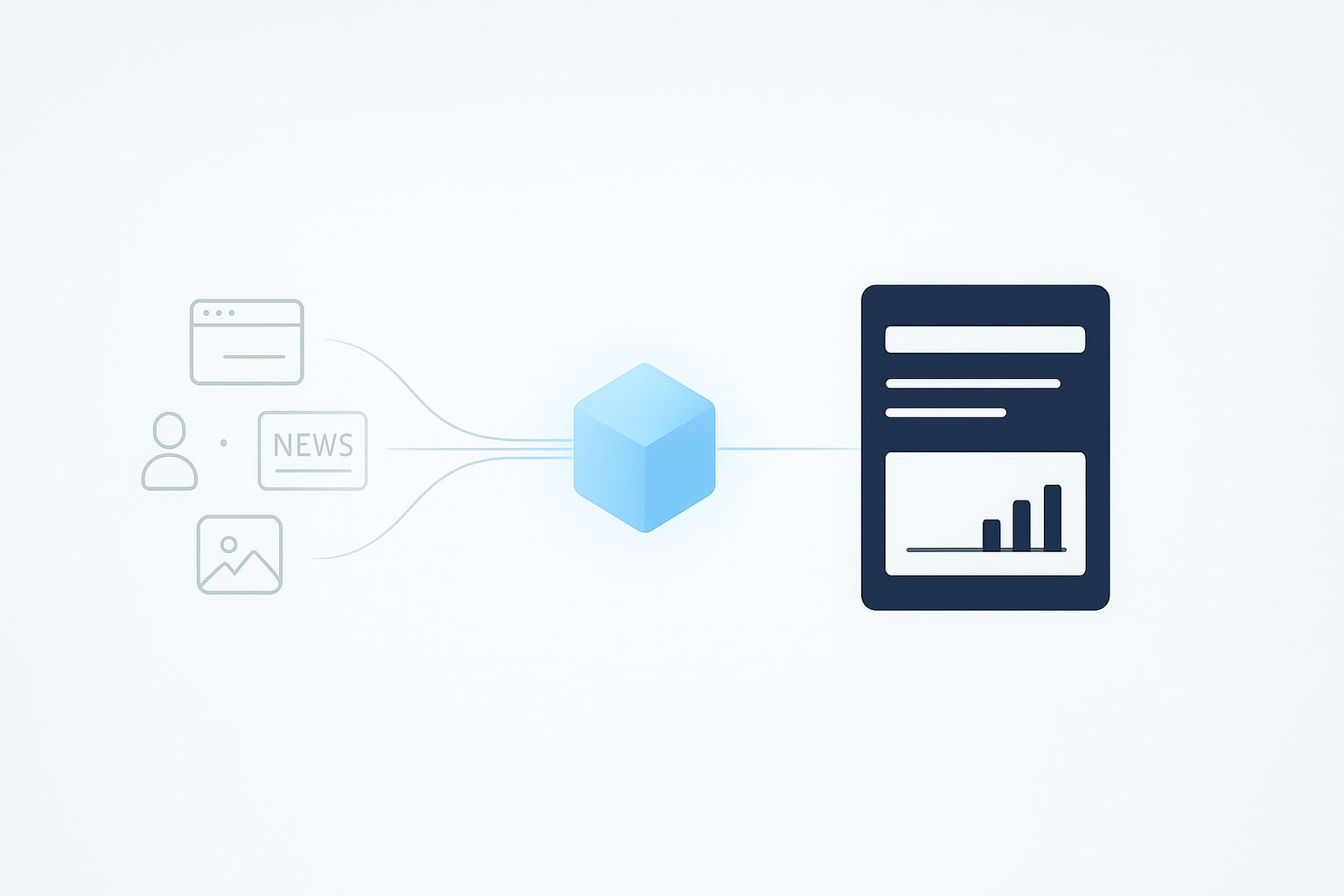
Here’s a simplified look at the process:

Let’s break down the steps:
Step 1: Define Your Data Sources
The AI needs to know where to pull information from. Think of these sources as the ingredients for your intelligence briefing. Common ones include:
- The Prospect’s Website: Specifically the “About,” “Careers,” and “Press/News” pages.
- LinkedIn Profiles: Both the company page and the profiles of key decision-makers.
- Public News APIs: Services that aggregate recent news, press releases, and financial reports.
Step 2: Structure Your Battle Card Template
Decide what information matters most for your sales cycle. A good battle card is opinionated—it doesn’t just dump data; it highlights what’s important. A solid template might include:
- Company Snapshot: Industry, size, location, and a one-sentence summary of what they do.
- Recent News & Triggers: The top three most recent, relevant news items (e.g., funding, product launches, executive hires).
- Strategic Goals: Key initiatives mentioned in annual reports or CEO statements.
- Key Contact Intel: Insights from the decision-maker’s LinkedIn profile (e.g., recent posts, shared connections, university).
- Potential Conversation Starters: Two or three tailored opening questions based on the research.
Step 3: Prompt the AI Synthesis Engine
This is where the magic happens. You feed the collected data into a Large Language Model (LLM) with a specific prompt. For example:
“Analyze the following data from [Company Name]’s website, recent news articles, and the LinkedIn profile of [Contact Name]. Populate the following battle card template. For ‘Conversation Starters,’ generate three open-ended questions that connect our solution [briefly describe your product] to their recently announced initiatives.”
The AI reads and synthesizes the raw data, transforming it from a wall of text into a structured, strategic brief.
Beyond Efficiency: The Strategic Advantage
Automating pre-call research isn’t just about saving time; it’s about elevating performance. When reps are freed from the drudgery of data collection, they can focus on higher-value activities: strategizing their approach, personalizing their messaging, and building genuine rapport.
It creates a virtuous cycle:
- Better Prep: Reps walk into calls with deeper, more relevant insights.
- Better Conversations: They can ask smarter questions and connect their solution to the prospect’s actual world.
- Better Relationships: Buyers feel understood, which builds the trust necessary for a sale.
This shift also has a powerful secondary effect. As you use AI to better understand other companies, you start thinking about how AI understands your company. Is the information it finds accurate? Is your messaging clear? Ensuring your company has strong LLM visibility is the other side of this coin—making sure that when others research you, they get the right story.
Frequently Asked Questions (FAQ)
Is using AI for research considered “cheating”?
Not at all. Think of it as an evolution from using Google or a library. It’s a tool for information gathering and synthesis. The strategy, empathy, and human connection still come from the sales professional. The AI provides the “what,” but the rep delivers the “so what.”
What kind of tools do I need to set this up?
The ecosystem is evolving rapidly. You can start by experimenting with publicly available models like ChatGPT or Claude by manually pasting in data. For a more automated solution, you can use no-code platforms like Zapier or Make.com to connect APIs (e.g., a news API) to a language model. Several sales-specific AI tools are also emerging that offer this as a built-in feature.
How is this different from the information in my CRM?
A CRM typically stores historical data about your interactions with a prospect (emails, calls logged, etc.) and static company information. An AI-generated battle card provides a real-time, dynamic snapshot of the prospect’s current situation by pulling from live, public sources. The two are complementary: the CRM tells you about your history with them, while the battle card tells you what’s important to them right now.
Can I trust the accuracy of the AI-generated summary?
This is a critical point. Always treat the AI’s output as a “first draft” prepared by a very fast but junior assistant. It’s essential to give it a quick human review to verify key details and ensure the context is correct. The goal is to eliminate 90% of the manual work, not 100% of the human oversight.
The Future of Sales is Prepared
The era of winging it is over. In a world where buyers are more informed than ever, the best-prepared seller always wins. AI-powered research automation levels the playing field, giving every rep the chance to walk into every conversation with the confidence that comes from deep understanding.
By trading manual drudgery for automated insight, you’re not just saving time—you’re investing it where it truly matters: in building relationships and closing deals.
