It’s a moment familiar to every web design agency. The pixels are perfect. The client is thrilled with the mockups. The CMS is humming along on the staging server. You’re one click away from deploying a beautiful new website.
Then, a quiet thought creeps in: “Did we… you know… do the SEO stuff?”
A frantic scramble begins. Is the robots.txt file correct? Are there noindex tags left over from development? What about redirects? This last-minute panic is more than just stressful—it’s a business risk. Launching a site with poor technical SEO is like building a stunning retail store with no doors. It looks great, but no one can get in.
When over 60% of searches happen on mobile devices and 53% of users will abandon a site that takes more than three seconds to load, technical SEO isn’t a post-launch task. It’s a critical part of the handoff process. The solution isn’t another manual spreadsheet; it’s an automated quality assurance (QA) process that acts as your agency’s safety net.
Why Manual Checklists Fail at Scale
For years, the trusty spreadsheet has been the go-to tool for pre-launch SEO checks. And while it’s better than nothing, it’s a system built on hope, not reliability.
Manual checklists are:
-
Prone to Human Error: A tired project manager can easily tick a box without verifying, leaving a critical noindex tag that renders the entire site invisible to Google.
-
Time-Consuming: Manually checking hundreds of URLs for correct title tags, redirects, and canonicals is a tedious process that pulls your team away from creative and strategic work.
-
Inconsistent: The checklist one PM uses might be different from another’s, leading to inconsistent quality and unpredictable client outcomes.
The reality for modern agencies is that as much as 90% of traditional, repetitive SEO tasks can and should be automated. This isn’t about replacing expertise; it’s about augmenting it. Automation frees your team to focus on strategy while ensuring a flawless technical foundation for every single project.
The Pillars of an Automated SEO Handoff Checklist
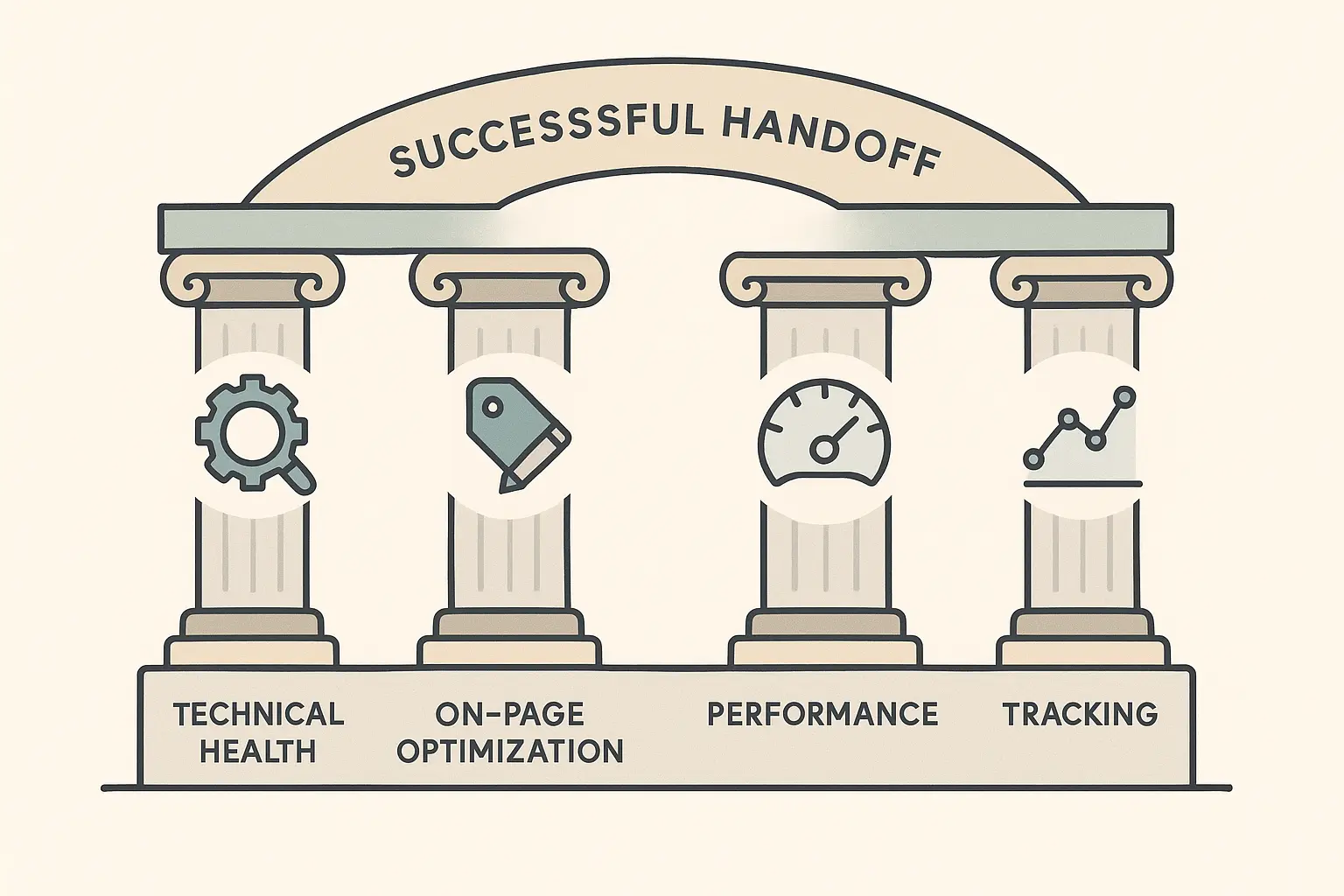
An automated QA process isn’t just about finding errors; it’s about systematically confirming that every best practice is in place. Your automated crawler should be configured to check these core pillars before any site goes live.
1. Indexability and Crawlability: The Open for Business Sign
If search engines can’t crawl and index your site, nothing else matters—making this the absolute first checkpoint.
Why it Matters: Crawlability is Google’s ability to access the content on your pages. Indexability is its ability to add that content to its massive database to show in search results. Blocking either one is like hiding your website from the world.
Key Automated Checks:
-
robots.txt File: Ensure it doesn’t contain Disallow: /, which blocks all search engines.
-
noindex Tags: Scan for page-level or sitewide noindex meta tags left over from the staging environment.
-
XML Sitemap: Verify that a sitemap exists, is linked in robots.txt, and doesn’t contain errors or broken links.
For agencies that need to ensure these foundational elements are perfect every time, comprehensive white-label technical SEO audits can establish a repeatable, expert-level baseline for every client project.
2. Site Speed and Core Web Vitals: The First Impression
Slow websites don’t just frustrate users—they actively hurt rankings and conversions. Google’s Core Web Vitals are non-negotiable metrics for the modern user experience.
Why it Matters: A slow site is a broken site. It signals a poor user experience to both visitors and search engines, directly impacting everything from bounce rate to your client’s bottom line.
Key Automated Checks:
-
Largest Contentful Paint (LCP): Measures loading performance. Aim for under 2.5 seconds.
-
First Input Delay (FID): Measures interactivity. Aim for under 100 milliseconds.
-
Cumulative Layout Shift (CLS): Measures visual stability. Aim for a score under 0.1.
-
Image Compression: Flag oversized image files that are slowing down page load times.
3. On-Page Essentials: The Content Signposts
These are the fundamental elements that tell search engines what each page is about.
Why it Matters: Clear on-page signals help search engines understand content context, match pages to relevant queries, and create compelling snippets for the search results page.
Key Automated Checks:
-
Title Tags: Check for presence, uniqueness, and optimal length (under 60 characters).
-
Meta Descriptions: Ensure they are present, unique, and compelling (under 160 characters).
-
Heading Structure: Confirm each page has a single H1 tag and a logical hierarchy (H2s, H3s).
-
Image Alt Text: Flag any images missing descriptive alt text for accessibility and SEO.
4. Redirects and Canonicals: The Traffic Cops
During a redesign, URLs often change. Without proper redirects, you lose all the authority and traffic built up by the old pages.
Why it Matters: Broken links and redirect chains create a frustrating user experience and dilute SEO value. Canonical tags prevent duplicate content issues when the same content is accessible via multiple URLs.
Key Automated Checks:
-
404 Errors: Crawl the site to find all broken internal links.
-
301 Redirects: Verify that old URLs are properly 301 redirecting to their new counterparts.
-
Canonical Tags: Check for self-referencing canonicals on all indexable pages to consolidate authority.
How to Set Up Your Automated Workflow
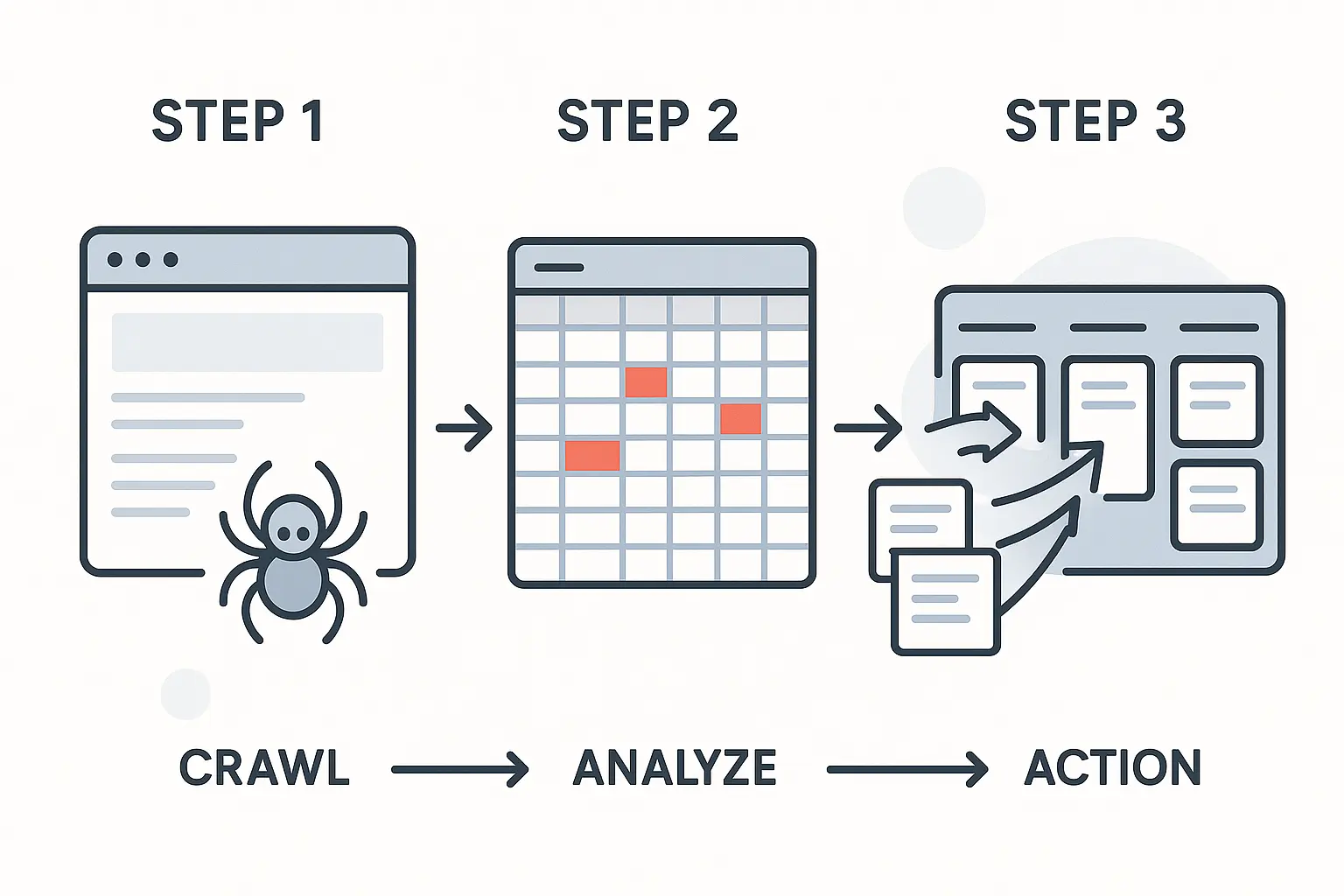
Transitioning from a manual spreadsheet to an automated process is straightforward. Here’s a simple framework:
-
Choose Your Tool: Use a website crawler like Screaming Frog, Sitebulb, or an all-in-one platform like Ahrefs or Semrush. These tools can be configured to crawl a staging site.
-
Create a Configuration Profile: Set up a crawl configuration that automatically checks for the pillars listed above. You can create rules to flag specific issues, like Title Tag longer than 65 characters or Page missing H1 tag.
-
Run the Pre-Launch Crawl: Before deploying, run the crawler on the staging environment. The tool will do the heavy lifting, scanning every URL against your defined rules.
-
Export a Branded Report: Generate a clean, digestible report that highlights critical errors, warnings, and opportunities. This becomes your actionable fix-list for the development team.
This automated report becomes the single source of truth, ensuring nothing is missed. It’s a professional, data-driven handoff document that builds client confidence.
Beyond the Launch: Make SEO Part of the Design
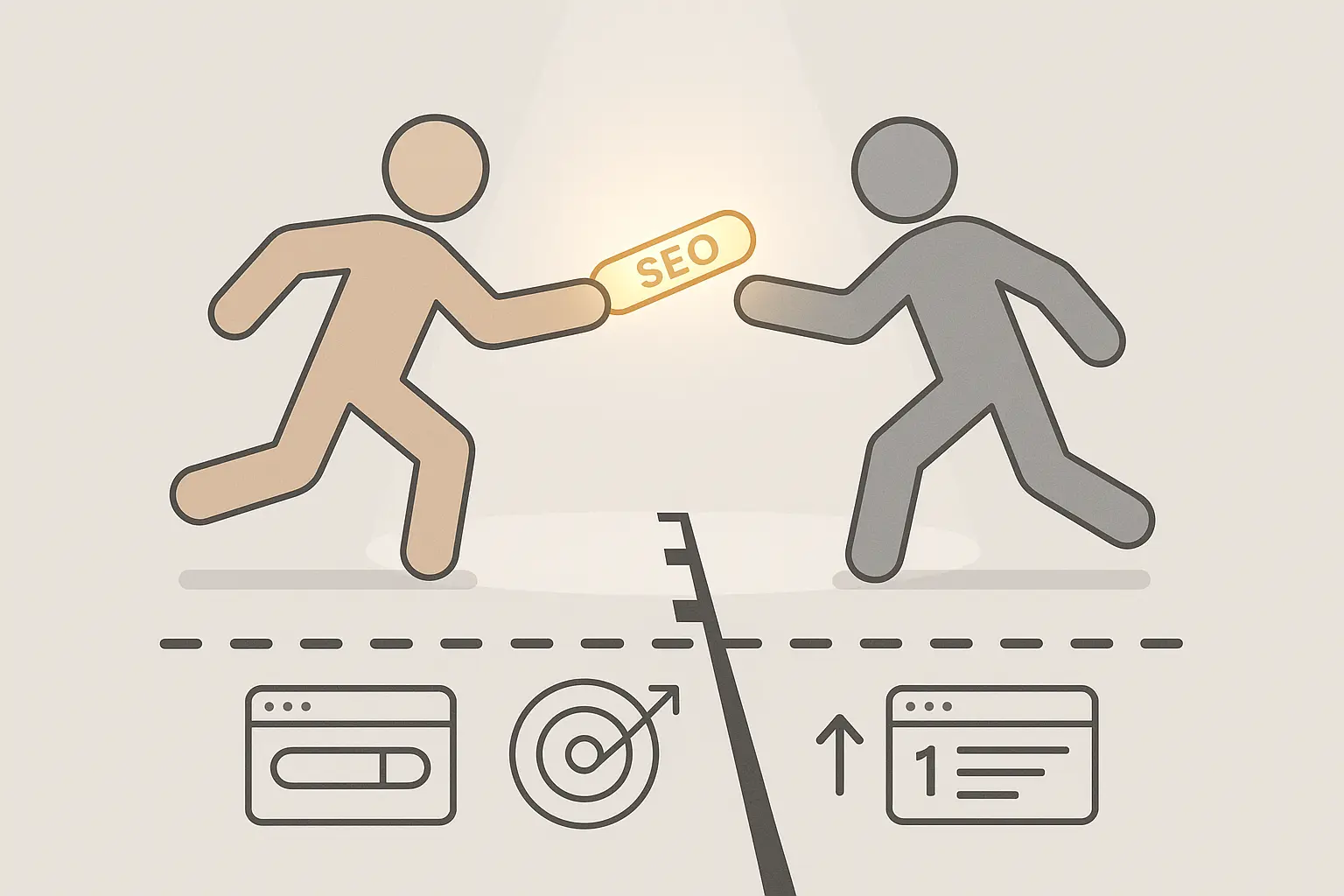
The most successful agencies don’t treat SEO as a final checkbox. They integrate it into the entire design and development lifecycle. It’s the aha moment that separates good agencies from great ones.
Think about it:
-
URL Structure: Should be decided during the wireframing phase, not as an afterthought.
-
Site Navigation: Can be informed by keyword research to use language that your client’s customers are actually searching for.
-
Content Strategy: Should be developed alongside the design to ensure pages are created with a clear search intent in mind.
By shifting SEO left in your project timeline, you move from fixing problems to preventing them entirely. This proactive approach is where having a dedicated agency SEO partner can be a game-changer, providing strategic insights long before the first line of code is written. A true partner doesn’t just deliver reports; they integrate into your workflow, helping you build more valuable, higher-performing websites that connect search visibility to real business growth.
Frequently Asked Questions
What’s the difference between a technical SEO audit and a QA checklist?
A full technical audit is a deep, strategic analysis of a website’s health, often taking many hours to produce insights and a long-term roadmap. A pre-launch QA checklist is a more focused, tactical process to ensure a site meets a defined set of best practices before going live. The QA check is your final inspection; the audit is the full architectural survey.
Can’t my developer just handle this?
While developers are brilliant at writing clean code and ensuring a site functions correctly, their primary focus isn’t always on how search engines interpret that code. An SEO specialist understands the nuances of crawlability, indexing, and ranking signals. They’re complementary experts, and both are essential for a successful launch.
What’s the single biggest mistake to avoid at launch?
Forgetting to remove Disallow: / from the robots.txt file or leaving a noindex tag active from the staging environment. This one simple mistake can make an entire website invisible to Google, undoing all the hard work of a beautiful redesign. An automated check makes this critical error virtually impossible to miss.
Your Launch Day Confidence Plan
Shifting from a manual, stress-fueled checklist to an automated QA process transforms your agency’s handoffs. It protects your clients’ investment, solidifies your reputation for quality, and turns launch day from a moment of anxiety into a moment of celebration.
By building this safety net, you ensure that every beautiful site you design also has the strong foundation it needs to be discovered.