
It’s Monday morning. You grab your coffee, open your analytics dashboard, and see that organic traffic took a nosedive over the weekend. A key ranking has vanished. Panic sets in. What happened? More importantly, when did it happen?
If this scenario feels familiar, you’re not alone. Most agencies operate in a reactive mode, spotting SEO issues hours or even days after they occur. This constant game of catch-up is not only stressful but also incredibly time-consuming. In fact, a Workato report found that the average marketer spends 15 hours a week on routine, manual tasks—time that could be invested in high-impact strategy.
Since 93% of all online experiences start with a search engine, leaving your SEO monitoring to chance is a risk you can’t afford. It’s time to shift from reactive panic to proactive power by building an automated system that alerts you to changes the moment they happen.
From Reactive Panic to Proactive Power: Why Automation Matters
Proactive SEO monitoring isn’t about staring at dashboards all day. It’s about creating an automated workflow that acts as your eyes and ears, flagging both threats and opportunities in real time.
Think about it: 75% of users never scroll past the first page of search results. Losing a top-ranking position, even for a day, can mean a significant loss of visibility and leads. An automated alert system helps you:
- Catch negative changes instantly: Spot a toxic backlink or a lost ranking within minutes, not days.
- Capitalize on opportunities faster: Get notified of a new high-authority backlink or a competitor’s keyword gap and act on it immediately.
- Free up strategic time: Let automation handle the monitoring so your team can focus on analysis and execution.
SEO is a long-term game; it can take 3-6 months to see significant results. An automated early-warning system is the best way to protect that investment and ensure your efforts compound over time.
The Big Picture: What We’re Building Today
We’re going to build a simple yet powerful workflow using four essential tools:
- Ahrefs: Our SEO data source, scanning for changes.
- Zapier: The “glue” that connects our apps without any code.
- Slack: Our communication hub for real-time notifications.
- Asana: Our project management tool for creating actionable tasks.
Here’s what the final workflow will look like: Ahrefs finds an SEO event → Zapier catches it → Slack notifies the team → Asana creates a task.
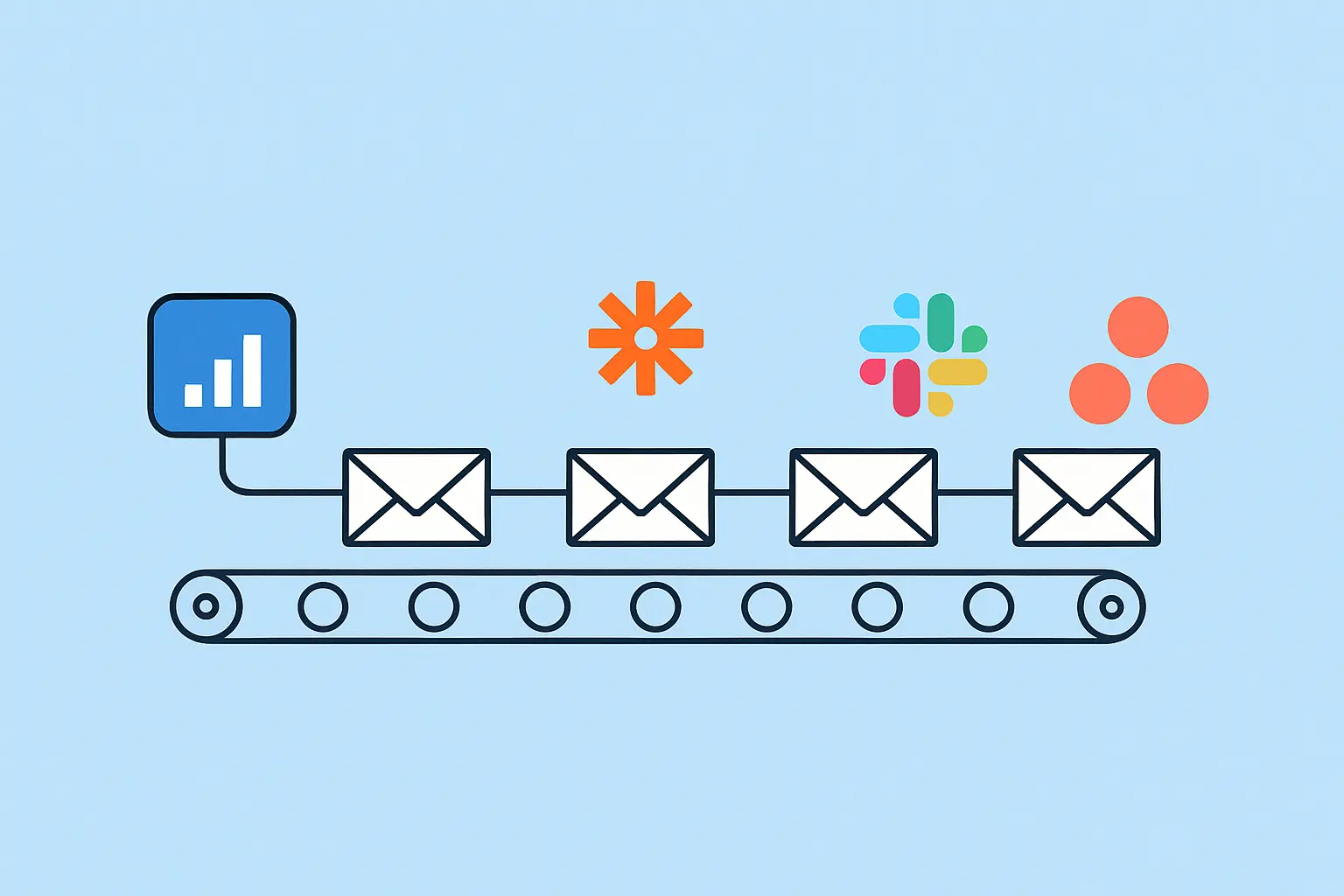
This system transforms raw data into a collaborative, actionable process, keeping your entire team in the loop.
Your Step-by-Step Guide to Automating SEO Alerts
Ready to build? Follow these four steps to get your early-warning system up and running.
Step 1: Configure Your Ahrefs Alerts
First, you’ll need to tell Ahrefs what to watch for. The goal is to monitor the most critical SEO signals that indicate a change in your project’s health or a new opportunity.
Log in to your Ahrefs account and navigate to the “Alerts” section. For this workflow, we recommend setting up alerts for:
- New & Lost Backlinks: Get notified when a site links to you or when an existing link is removed. This is crucial for both link building and disavowing harmful links.
- New Keywords: Discover new terms your site is starting to rank for—insights that can inform your content strategy.
- Rankings (for tracked keywords): Monitor position changes for your most important keywords to quickly address drops or celebrate wins.
Set the frequency to “as it happens” or “daily” to ensure your alerts are timely.
Step 2: Set Up Your Zapier Trigger
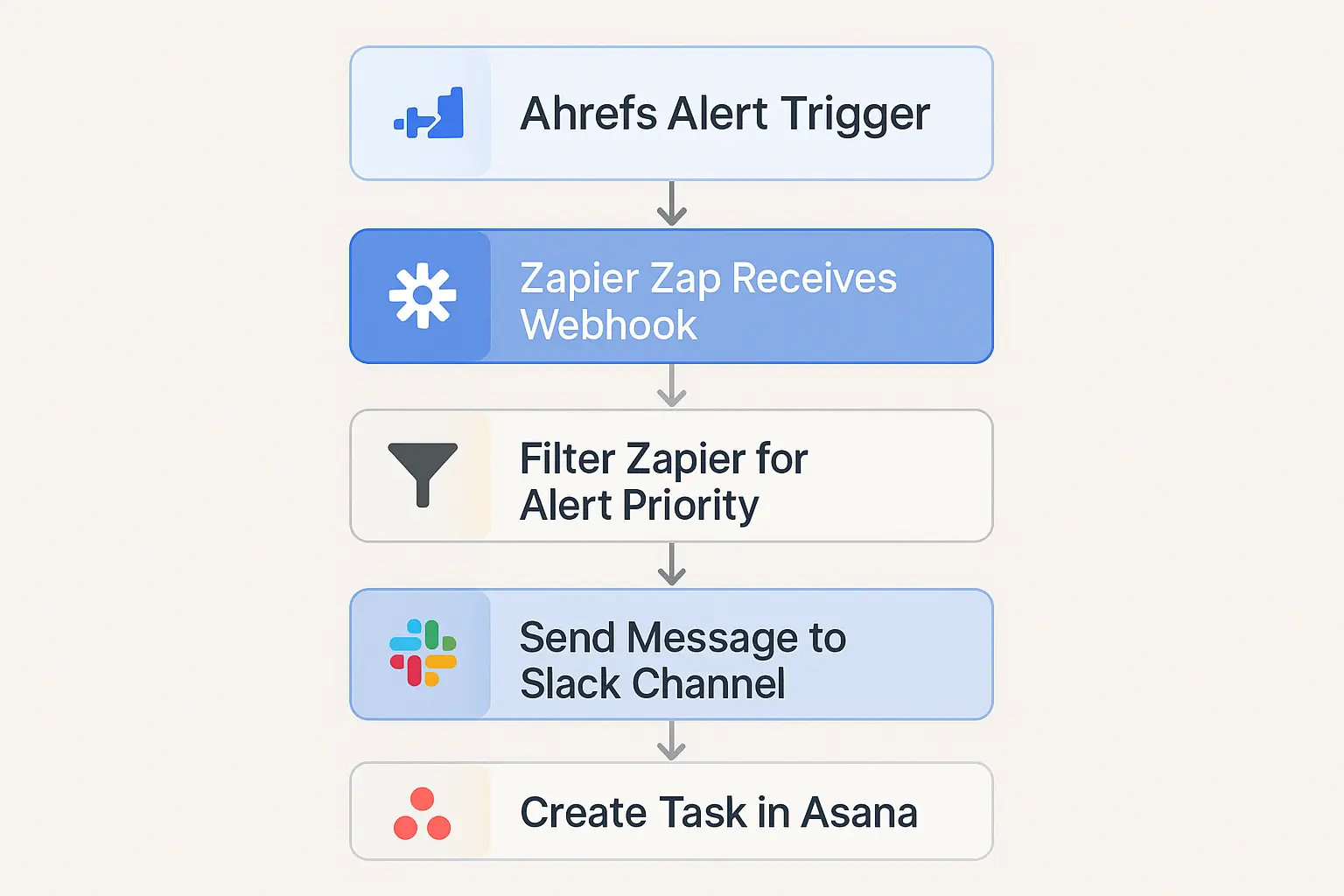
With your Ahrefs alerts configured, it’s time to head over to Zapier to catch the data. Zapier works on a simple “Trigger” and “Action” model. Our trigger is a new alert from Ahrefs.
- Log in to Zapier and click “Create Zap.”
- For the Trigger, search for and select Ahrefs.
- Choose the trigger event “New Alert.” Zapier will prompt you to connect your Ahrefs account if you haven’t already.
- Select the specific alert type you want to build the workflow for (e.g., “Lost Backlinks”). Keep in mind, you’ll need to create a separate Zap for each alert type you want to automate.
- Test the trigger. Zapier will pull in a recent alert from Ahrefs to confirm the connection is working.
Step 3: Create the Slack Notification Action
Now that Zapier is receiving alerts, the next step is to push a notification to your team in Slack. This ensures immediate visibility for everyone involved.
- Click the “+” to add an Action step in your Zap.
- Search for and select Slack.
- Choose the action event “Send Channel Message.”
- Connect your Slack account and choose the channel where you want the alerts posted (e.g., a channel named seo-alerts).
- Now, customize the message. This is where the magic happens. Use the data fields from the Ahrefs trigger to create a clear, informative message.
For a “Lost Backlink” alert, your message could look like this:
Lost Backlink Alert!
Page Title: (Title of your page)
Lost from Domain: (Referring Domain) (DR: Domain Rating)
URL: (URL of linking page)
This custom message gives your team all the context they need without ever leaving Slack.
Step 4: Create the Asana Task Action
A notification is good, but an actionable task is better. The final step is to add another action that automatically creates a task in Asana, ensuring someone is assigned to investigate the alert.
- Click the “+” below your Slack action to add another step.
- Search for and select Asana.
- Choose the action event “Create Task.”
- Select your workspace, project (e.g., “SEO Monitoring”), and section.
- Map the data from Ahrefs to create the task details:
- Name: Investigate lost backlink from (Referring Domain)
- Notes: Include all the details from the alert, like the URL, domain rating, and a link back to the Slack message.
- Assignee: Assign it to a specific person or leave it unassigned for the project manager to delegate.
- Due Date: Set a due date, such as “in 1 day,” to ensure a timely response.
After configuring this step, turn on your Zap. Congratulations! You’ve just built an automated SEO early-warning system that turns data into action.
Beyond the Basics: Taking Your Automation Further
This workflow is a great starting point. As you get more comfortable, you can enhance it by:
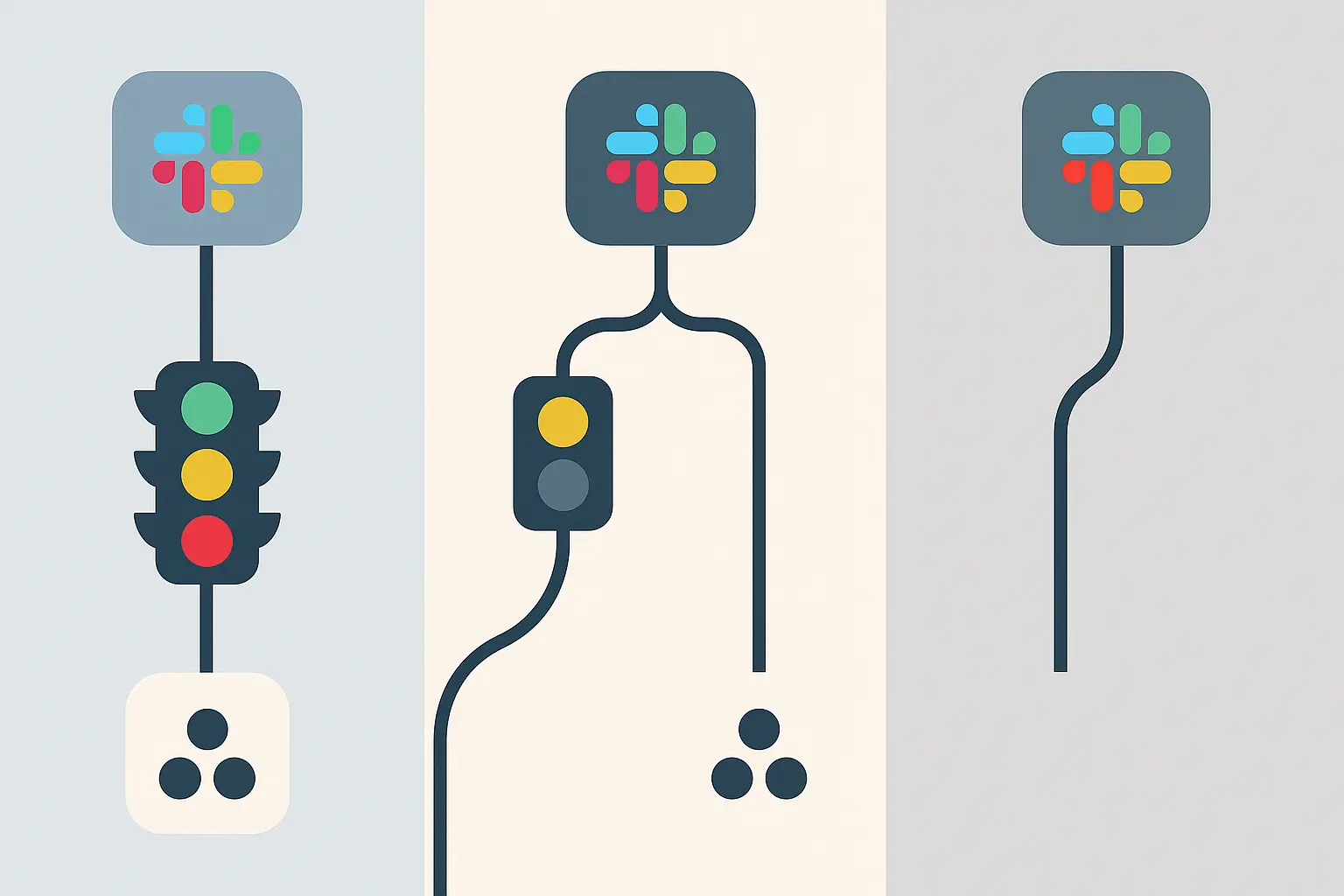
- Adding Filters: Insert a “Filter by Zapier” step to only proceed if a backlink’s Domain Rating is above a certain threshold (e.g., DR > 30).
- Using Different Channels: Create separate Zaps that post to different Slack channels, like one for seo-wins for new high-DR backlinks and another for seo-urgent for lost ranking alerts.
- Logging in a Spreadsheet: Add a Google Sheets action to log every alert in a spreadsheet, creating a historical record for trend analysis.
Building these systems for one client is powerful. Scaling them across an entire client portfolio is where the real complexity begins. At that stage, many agencies begin to explore white-label SEO services to implement robust automation and reporting without overwhelming their internal teams.
Frequently Asked Questions (FAQ)
Why can’t I just check Ahrefs every day?
You can, but automation offers key advantages: timeliness, as alerts arrive in minutes, not hours; consistency, because it never forgets or gets too busy; and visibility, ensuring the whole team is notified and tasks are assigned automatically.
Do I need a paid Zapier plan for this?
Because this workflow involves more than one action (a “multi-step Zap”), it requires a paid Zapier plan. However, the small monthly cost is easily offset by the hours of manual work it saves your team each week.
What if my team is too busy to manage these alerts?
This is a common scaling challenge. It’s a sign that your processes are working but your team’s capacity is stretched. This is often the point when firms consider SEO outsourcing for agencies to handle the day-to-day execution, allowing their core team to focus on client strategy and growth.
What other tools can I connect?
Zapier connects with thousands of apps. You could easily substitute Asana with Trello, Jira, or Monday.com, or use Microsoft Teams instead of Slack. The principles of this workflow remain the same.
Your First Step Towards an Automated SEO Engine
You’ve built a system that saves time, improves team alignment, and shifts your SEO strategy from reactive to proactive. It’s a fundamental building block for any modern, efficient agency.
Building these workflows is the first step. The next is learning how to scale them across your entire operation. As you grow, you may find that having an agency SEO partner who specializes in automation can help you implement these efficiencies at scale, giving you a powerful competitive edge in a crowded market.
