
You just hit “send” on a crucial email campaign. The numbers look great in your marketing platform—99% delivered. But what does “delivered” really mean? Does it mean the inbox, the promotions tab, or the spam folder? Is a bad actor impersonating your domain right now and destroying your reputation without you knowing?
For most businesses, the honest answer is a shrug. They’re flying blind.
With over 360 billion emails sent every day, simply sending your message isn’t enough. You have to prove to the internet’s gatekeepers—Google, Microsoft, and other Internet Service Providers (ISPs)—that you are who you say you are. Without a system to monitor their feedback, you aren’t just risking poor open rates; you’re risking your entire brand reputation.
The good news is that the data you need is available. The bad news? It’s scattered across cryptic reports and siloed dashboards. This article shows you how to connect the dots and build an automated feedback loop—a system that turns noisy data into clear signals, protecting your deliverability and brand trust.
The Three Pillars of Your Digital Passport: SPF, DKIM, and DMARC
Before we can build our system, we need to understand the foundational technologies that make it possible. Think of these as a multi-layered digital passport for your domain. Every email you send either has this passport or it’s treated with suspicion.
1. SPF (Sender Policy Framework)
In simple terms, an SPF record is a public list of all the servers authorized to send email on behalf of your domain.
- What it does: It tells a receiving mail server, “An email from mybrand.com should only come from one of these specific IP addresses.”
- The Analogy: It’s like the approved guest list for a party. If your name isn’t on the list, you’re not getting in.
2. DKIM (DomainKeys Identified Mail)
DKIM is a digital signature that proves the email hasn’t been tampered with in transit.
- What it does: It adds a unique, encrypted signature to the email’s header. The receiving server uses a public key in your DNS to verify the signature is valid and the message content is unchanged.
- The Analogy: It’s like a tamper-proof wax seal on a letter. If the seal is broken, the recipient knows not to trust the contents.
3. DMARC (Domain-based Message Authentication, Reporting, and Conformance)
DMARC is the policy layer that ties SPF and DKIM together. It tells receiving servers what to do if an email fails SPF or DKIM checks and, crucially, asks them to send you reports on all email activity for your domain.
- What it does: It instructs ISPs on how to handle unauthenticated mail: monitor it (p=none), send it to spam (p=quarantine), or block it entirely (p=reject).
- The Analogy: DMARC is the bouncer at the door who checks the guest list (SPF) and the wax seal (DKIM), then follows your exact instructions for handling intruders.
Beyond Authentication: The Missing Pieces of the Puzzle
Having DMARC in place is a massive first step, but the reports it generates are just one piece of the puzzle. To get a complete picture of your email health, you need to combine DMARC data with two other critical sources: BIMI and Postmaster Tools.
BIMI (Brand Indicators for Message Identification) is your reward for doing authentication right. It allows you to display your company’s logo directly in the recipient’s inbox, creating an immediate visual cue of trust. When nearly half of all emails are spam, standing out as a legitimate sender is a powerful competitive advantage. BIMI requires a strict DMARC policy (p=quarantine or p=reject), making it a powerful incentive to lock down your domain security.
Postmaster Tools are free dashboards offered by major ISPs like Google and Microsoft that provide direct feedback on how they view your domain and IPs. This is the “inside scoop” on your sender reputation, including:
- IP and Domain Reputation: Are you seen as a Good, Medium, Low, or Bad sender?
- Spam Complaint Rate: The percentage of users who mark your emails as spam.
- Authentication Rates: How consistently your emails pass SPF, DKIM, and DMARC.
- Delivery Errors: Technical issues preventing your emails from reaching the inbox.
The Problem with Siloed Data: Why Manual Monitoring Is a Losing Battle
So, you have DMARC reports, a Google Postmaster dashboard, and a Microsoft SNDS account. You’re all set, right? Not quite.
The reality is that this data lives in separate, disconnected worlds. DMARC reports arrive as dense XML files that are nearly unreadable for humans, while Postmaster data lives behind a login, requiring you to check it manually. This approach is purely reactive. You only go looking for information after a campaign underperforms or a user reports a phishing attempt. By then, the damage is already done.
This leaves you stuck in a cycle of manual checks and educated guesses. To truly protect your reputation, you need to stop chasing data and start building a system that brings it all together automatically.
Designing Your Automated Deliverability Feedback Loop
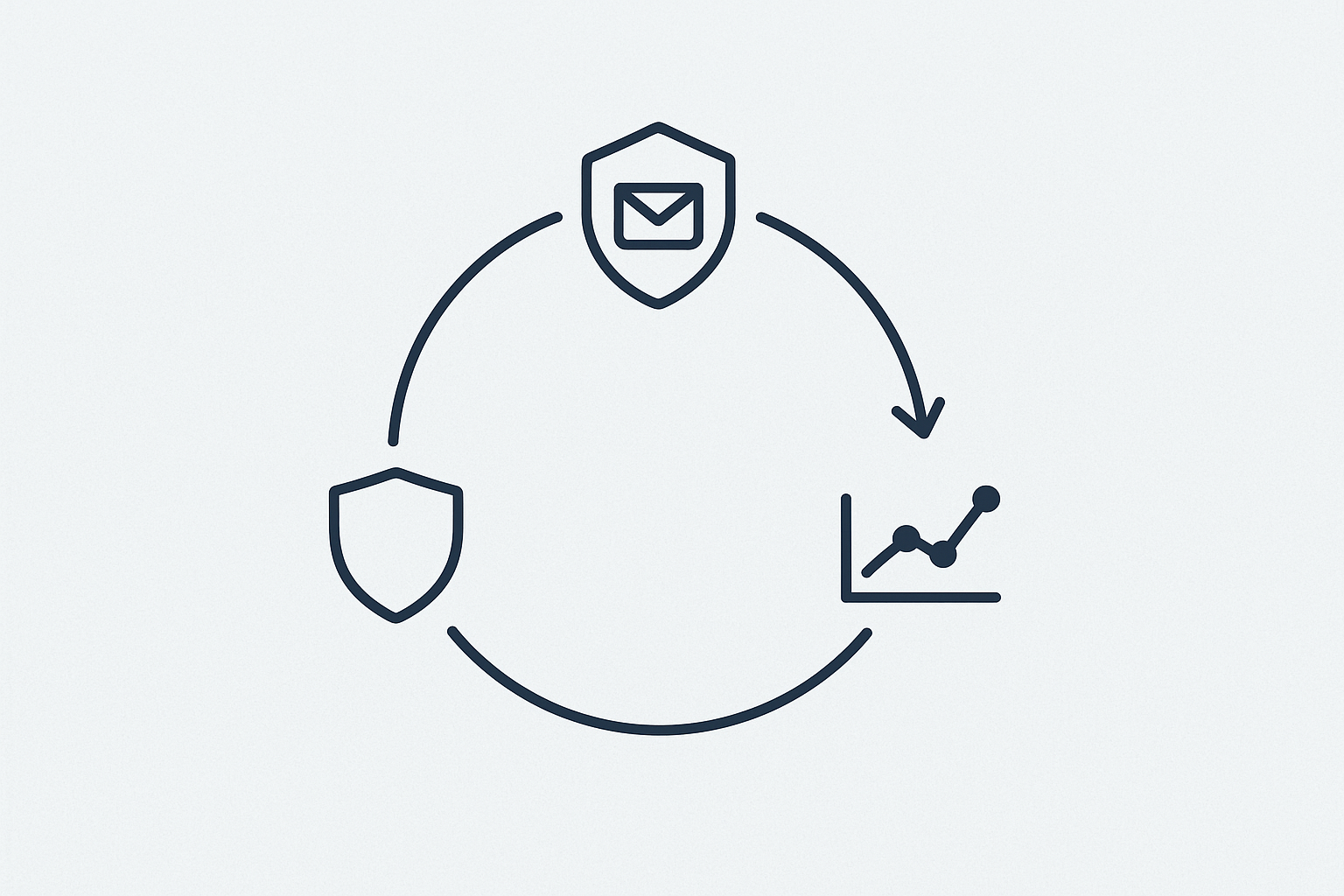
An automated feedback loop is a system that programmatically collects, parses, and correlates data from DMARC reports and Postmaster APIs. Its purpose is to give you a single, unified view of your email health and alert you to problems in real time.
Here’s the four-step blueprint for building one.
Step 1: Centralize and Parse Your DMARC Reports
Your DMARC record specifies an email address where ISPs send aggregate (RUA) and forensic (RUF) reports. Your first step is to automate the collection and parsing of these XML reports.
You can use a third-party DMARC monitoring service to handle this, or you can build a simple script (e.g., in Python) that connects to the reporting mailbox, downloads the attachments, and parses the XML into a more usable format like JSON. The goal is to turn raw data into structured information you can query and analyze.
Step 2: Tap into Postmaster APIs
Manually checking Postmaster dashboards isn’t scalable. The key is to use their APIs to pull data programmatically. While Microsoft’s tools are more traditional (SNDS, JMRP), the Google Postmaster Tools API is a powerful resource that lets you pull daily data on:
- Spam complaint rates
- IP and domain reputation
- DMARC, SPF, and DKIM authentication percentages
- Delivery errors
By scheduling a script to call this API daily, you can store historical reputation data and track trends over time.
Step 3: Integrate and Visualize the Data
This is where the magic happens. With your DMARC and Postmaster data flowing into a central database or data warehouse, you can finally connect the dots. You can build a dashboard in a tool like Grafana, Tableau, or Google Looker Studio that visualizes key metrics on a single screen.
Now you can instantly see correlations. Did a marketing campaign from a new third-party service cause a dip in your DMARC alignment? You’ll see it next to a corresponding drop in your domain reputation. Is a specific IP address generating a high rate of spam complaints? You can isolate it and investigate immediately.
Step 4: Set Up Proactive Alerts
The final step is to make the system proactive. Instead of you watching the dashboard, the dashboard should watch for you. Set up automated alerts that trigger when key metrics cross dangerous thresholds. For example:
- Alert if DMARC alignment drops below 98% for more than an hour. This could indicate a misconfigured sending source or a spoofing attack.
- Alert if spam complaint rate from Google exceeds 0.2%. This is a red flag that your content or list hygiene needs immediate attention.
- Alert if domain reputation drops from “High” to “Medium”. This is an early warning sign that you need to act before it sinks to “Low” or “Bad,” which can be very difficult to climb out of.
What This System Unlocks for Your Business
Building an automated feedback loop transforms your email program from a reactive, high-risk channel into a proactive, data-driven operation. You gain:
- Early Detection: Catch domain spoofing attempts and configuration errors before they can harm your reputation.
- True Visibility: Understand exactly how ISPs perceive your domain and what factors are impacting your inbox placement.
- Data-Driven Decisions: Have informed conversations with your ESPs and marketing teams, backed by concrete data.
This level of structured data also lays the groundwork for the kind of entity & knowledge graph optimization that modern systems rely on, not just for email but across all digital platforms.
Frequently Asked Questions (FAQ)
What are SPF, DKIM, and DMARC in the simplest terms?
- SPF: A list of who is allowed to send your email.
- DKIM: A signature that proves your email wasn’t faked or changed.
- DMARC: The rules for what to do if SPF or DKIM fail, and the system for getting reports back.
What’s the difference between DMARC p=none, p=quarantine, and p=reject?
- p=none (Monitor Mode): Tells receivers to do nothing with failing emails but still send you reports. It’s the perfect starting point.
- p=quarantine: Asks receivers to send failing emails to the spam folder.
- p=reject: Asks receivers to block failing emails completely. This is the most secure state and is required for BIMI.
Is BIMI necessary for good deliverability?
No, BIMI itself doesn’t directly improve deliverability. However, the requirements for BIMI (a p=reject DMARC policy) force you to adopt best practices that absolutely improve deliverability and security. The logo is the reward for that hard work.
Can I set this up without being a developer?
Yes. Several third-party services specialize in DMARC monitoring and can aggregate this data for you in a user-friendly dashboard. While a custom-built solution offers more flexibility, using a dedicated service is a fantastic way to get started. A solid deliverability foundation also serves as the first step in a broader white-label AI visibility execution strategy.
How often should I check these reports?
Manually, you should check at least weekly. But with an automated feedback loop, the system is checking for you 24/7. You only need to pay attention when an alert tells you something is wrong.
Your First Step Towards a Smarter Sending Strategy
Stop guessing about your email performance. The era of “send and pray” is over. By building an automated feedback loop, you create a system of accountability that protects your most valuable asset: your brand’s reputation. The goal is no longer just to send an email, but to ensure it is received, understood, and trusted by the machine-driven systems that control the inbox.
To learn more about how we apply these principles of machine understanding to AI search, explore our AI-powered visibility automation solutions.
Your journey starts with a single step. Go audit your domain’s DMARC record today. It’s the first thread to pull in weaving together a truly resilient sending strategy.
