
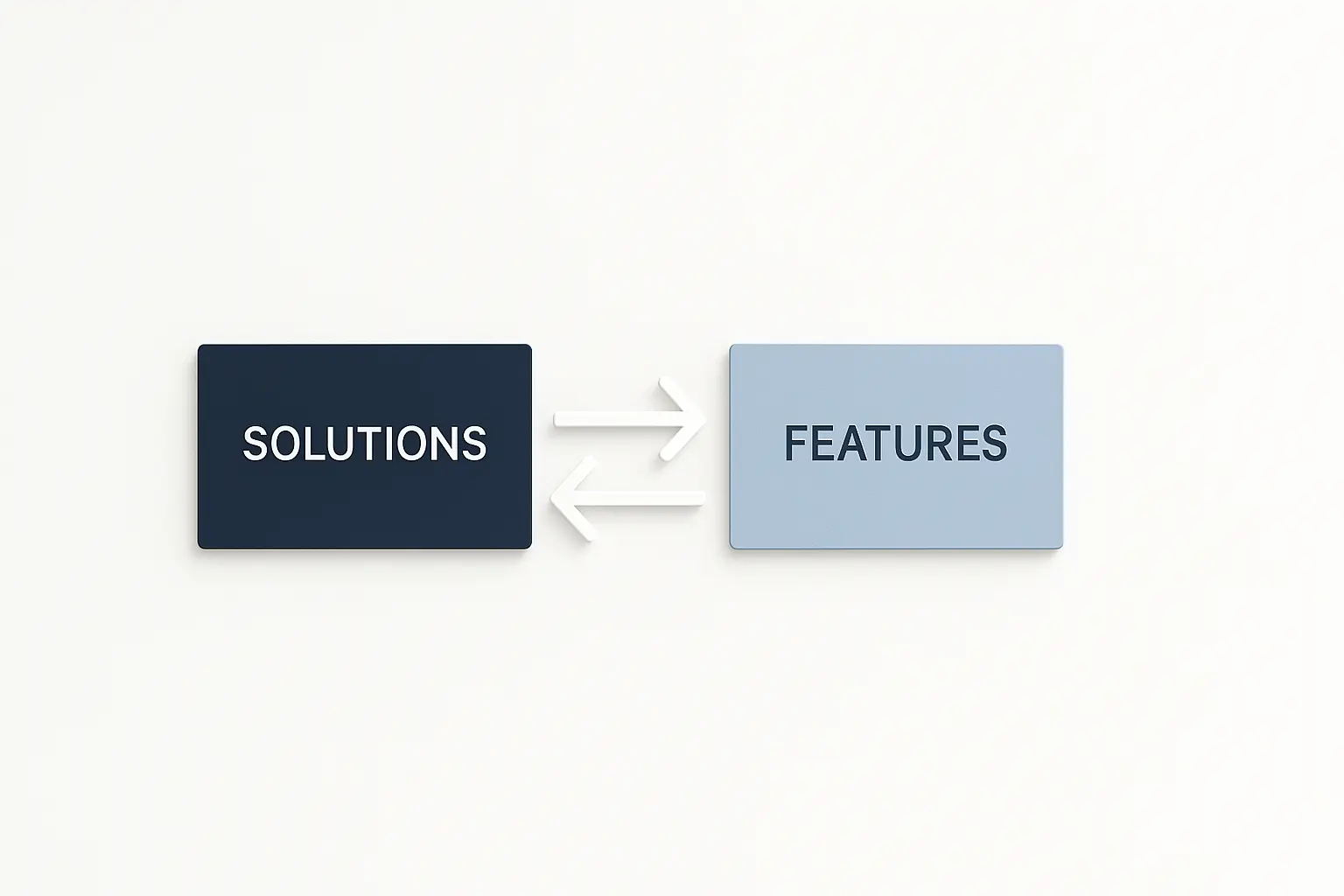
Ever feel like your own website is competing against itself? You’ve meticulously crafted a page for your “AI Analytics” feature and another for your “AI for Marketing Teams” solution. Yet, when you search for “AI marketing analytics,” Google seems to flip a coin—sometimes showing one page, sometimes the other, and often ranking neither very well.
If this scenario feels familiar, you’re not alone. It’s a classic sign of an architectural tangle that plagues even the most sophisticated SaaS companies. In fact, one SEMrush study found that a staggering 65% of large companies deal with keyword cannibalization across their sites.
This isn’t just a minor SEO hiccup; it’s a fundamental conflict in how you’re communicating value. You’re accidentally sending mixed signals to search engines, diluting your authority and confusing potential customers at the exact moment they’re trying to understand what you do.
The good news is that with a clear architectural strategy, your ‘Features’ and ‘Solutions’ pages can work together, not against each other, to build a powerful foundation for topical authority.
The Classic Showdown: Features vs. Solutions
First, let’s get on the same page. Think of it like explaining a car: A feature is what it has, while a solution is what it does for you.
What Are ‘Features’ Pages?
Features pages detail the specific tools, functionalities, and components of your product. They answer the question, “What does it do?”
- Focus: The ‘What’
- Examples: “Automated Reporting,” “User Role Management,” “API Integration,” “Drag-and-Drop Editor.”
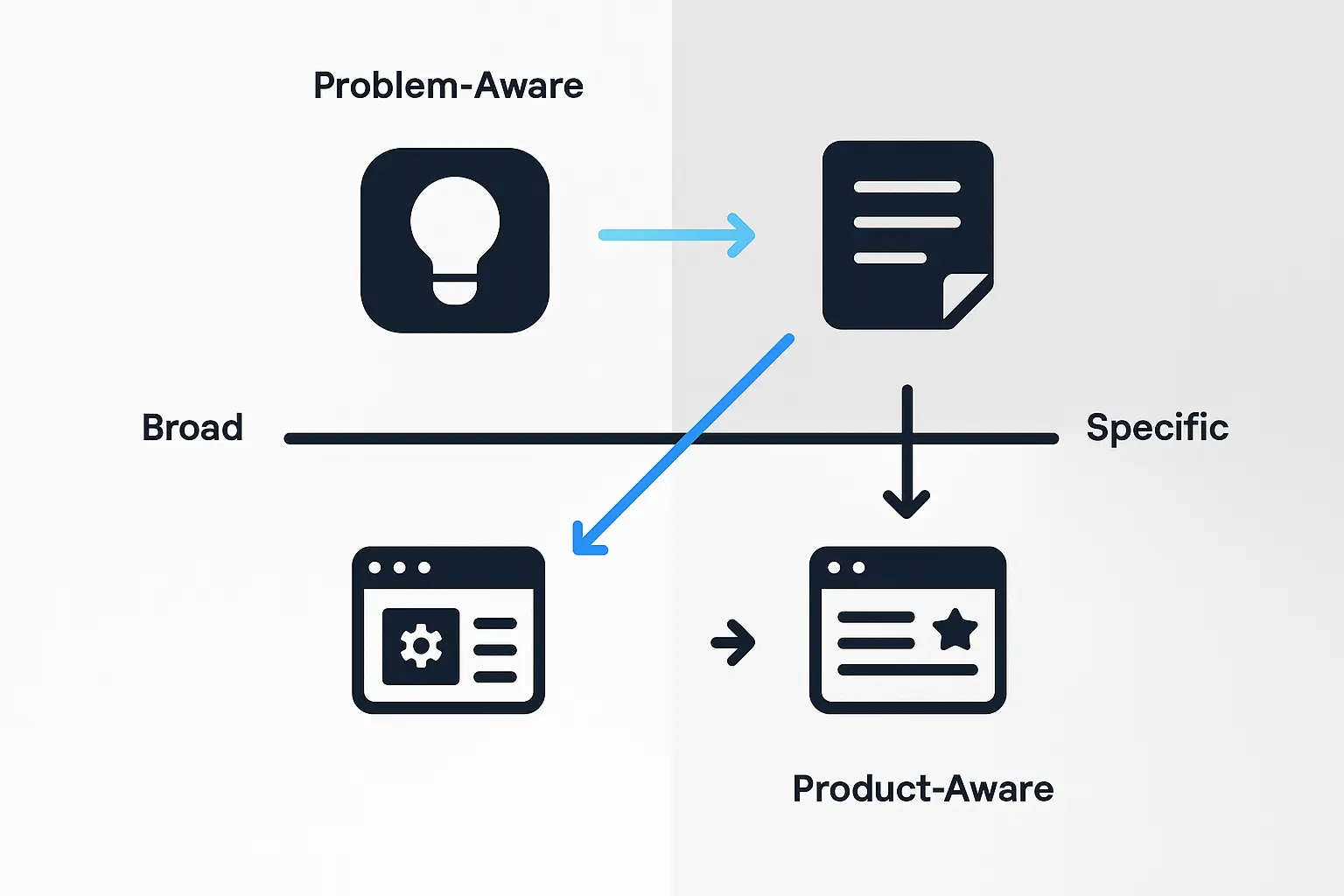
- User Intent: The visitor is often product-aware. They know a little about your software (or similar tools) and are digging into the technical specifications and capabilities.
What Are ‘Solutions’ Pages?
Solutions pages explain how your product’s features combine to solve a specific problem for a particular audience or industry. They answer the question, “How does it help me?”
- Focus: The ‘Why’ or ‘For Whom’
- Examples: “Marketing Attribution for E-commerce,” “Project Management for Agencies,” “Compliance for Healthcare.”
- User Intent: The visitor is problem-aware or solution-aware. They have a pain point (“I can’t track my ad spend ROI”) and are looking for a way to fix it. They care less about the individual tools and more about the outcome.
The conflict arises because the line between feature and solution can get blurry. A feature like “AI-powered forecasting” sounds a lot like a solution for “improving sales predictions.” This overlap is where keyword cannibalization is born. It’s when two or more pages on your site compete for the same keyword, forcing Google to choose between them and ultimately weakening the authority of both. Understanding what keyword cannibalization is is the first step to solving it.
Why Intent Is Your Architectural North Star
The key to untangling your Features and Solutions pages lies in one concept: user intent. Your goal is to decide which page is the best answer for a specific type of search.
Is the user trying to understand a specific functionality (Feature intent) or solve a broader business problem (Solution intent)? Once you define this, you can structure your content and links to send clear, consistent signals to Google.
Here’s how to put this into practice.
Step 1: Map Your Keywords to Intent
Before you write a single word, map your target keywords to the correct page type.
-
Feature Keywords: These are often noun-based and specific.
- “gantt chart feature”
- “slack integration”
- “single sign-on (sso)”
- “crm data import”
-
Solution Keywords: These are often outcome-oriented and may include job titles, industries, or “how-to” phrases.
- “project planning for remote teams”
- “how to streamline team communication”
- “secure login for enterprise”
- “customer data management for sales”
Pro Tip: Your ‘Feature’ page should be the definitive resource for its specific function. Your ‘Solution’ page should be the go-to resource for solving an audience’s problem, referencing the features that make it possible.
Step 2: Use Strategic Internal Linking to Build a Topical Map
How you link these pages together is arguably the most critical step. Your internal linking structure tells Google how your content is related and which pages are most important—a fundamental part of building topic clusters that establish authority.

Instead of having two competing pages, create a relationship where they support each other.
-
From Feature to Solution: On your “Gantt Chart Feature” page, include a section like, “See how different teams use Gantt charts.” In that section, link to your “Project Planning for Remote Teams” and “Event Management for Marketers” solution pages.
-
From Solution to Feature: On your “Project Planning for Remote Teams” solution page, when you mention how teams can visualize timelines, link the phrase “interactive Gantt charts” back to your “Gantt Chart Feature” page.
This creates a logical hierarchy. The Solution page acts as a high-level guide showing the big picture, while the Feature page serves as a deep-dive resource for those who want the technical details.
This structure sends a clear message: “Hey Google, this Solution page is the main entry point for the problem, and this Feature page is the expert resource for the tool that helps solve it.”
Step 3: Differentiate Your On-Page Signals
Your on-page SEO elements must reinforce the unique intent of each page. A study by Backlinko highlighted Google’s increasing reliance on semantic context, meaning it understands the meaning behind the words, not just the keywords themselves. Use this to your advantage.
For a Feature Page (“AI Chatbot”):
- Title Tag: AI Chatbot Feature | Product Name
- H1: Powerful, Customizable AI Chatbot
- Content: Focus on technical specs, how to set it up, integration options, and include a demo. The language is direct and product-focused.
For a Solution Page (“Automate Customer Support”):
- Title Tag: Automate Customer Support with an AI Chatbot | Product Name
- H1: Reduce Support Tickets by 40% with AI Automation
- Content: Focus on outcomes, benefits, and pain points. Use case studies, testimonials from support managers, and ROI calculations. The language is benefit-driven.
When you align your keywords, internal links, and on-page content around a specific intent, you eliminate the confusion. Each page now has a distinct job, and Google knows exactly when to serve it to a searcher.
Putting It All Together
Ultimately, structuring a SaaS website isn’t about creating pages in isolation. Research from Ahrefs shows a single, well-optimized page can rank for thousands of related keywords. This proves that clarity and authority on one page can have a massive ripple effect.
By differentiating your ‘Features’ and ‘Solutions’ pages based on user intent, you’re not just fixing a cannibalization issue. You are building a more intuitive user journey and a stronger, more coherent SaaS SEO strategy. You’re guiding visitors from “What is this?” to “This is what I need,” turning a confusing competition into a powerful conversion funnel.
Frequently Asked Questions (FAQ)
What if one of our features is the entire solution?
This is common for single-purpose SaaS tools (e.g., a “Screenshot Tool”). In this case, your architecture might merge. The homepage or a primary product page can act as the ‘Solution’ page, focusing on the problem you solve (“Quick & Easy Screen Captures”). Then, you can have a secondary ‘Features’ page that details the technical aspects (“Annotation Tools,” “Cloud Sync,” “Video Recording”). The principle of separating the why from the what still applies.
Can a Feature page and a Solution page ever rank for the same keyword?
For very broad, high-level keywords, it’s possible for both to appear in the search results, but they shouldn’t be your primary targets for both pages. Your goal is to have the right page rank for the right query. If a user searches for a feature-specific term, you want the feature page to show up. If they search for a problem-based query, the solution page is the better answer. Intent alignment is about winning the most important queries for each page.
How can I check if I have a keyword cannibalization problem right now?
The easiest way is to use Google Search Console. Go to the ‘Performance’ report, and under the ‘Queries’ tab, find a keyword you suspect has this issue. Click on it, then click the ‘Pages’ tab. If you see two or more pages from your site getting significant impressions or clicks for that single query, you likely have a cannibalization problem that needs to be addressed.

