

You’ve been there. Staring at a blank content calendar, scrolling through keyword tools, trying to guess what your audience really wants to know.
You brainstorm, outline, and write. Then you publish, hoping it resonates.
But what if you could stop guessing?
What if you had a direct line to the exact questions your most motivated prospects are asking? Good news: you probably do. It’s sitting right inside your Google Ads account, often overlooked: the Search Query Report.
This isn’t just a list of keywords; it’s a goldmine of raw, unfiltered user intent that can fuel a powerful SEO content strategy.
The Difference Between Keywords and Search Queries: Why It Matters
Let’s get one thing straight, because it’s the key to this whole strategy. The keywords you bid on in Google Ads are not the same as the search queries that trigger your ads.
Think of it like this:
Keyword: This is the target you set for Google. You might bid on the broad match keyword “office coffee machine.”
Search Query: This is what a real person actually typed into the search bar. It’s their literal voice.
Your single keyword “office coffee machine” could be triggered by dozens of different search queries, like:
- “best office coffee machine for a small team”
- “how much does an office coffee machine cost”
- “is it better to rent or buy an office coffee machine”
- “quiet coffee machine for open-plan office”
See the difference? The keywords are your net; the search queries are the actual fish you catch. And buried within those queries are the specific, often question-based searches that your future customers are making every day.
Ignoring this data is like paying for market research and then leaving the report unopened.
Why Question-Based Queries Are SEO Gold
When someone types a full question into Google, they aren’t just browsing. They have a specific problem, a pressing curiosity, or a need for a direct answer. This is where you, as a brand, can step in and become their trusted guide.
The data backs this up. Research from Backlinko found that nearly 50% of search queries are four words or longer. These long-tail keywords are less competitive and often signal higher intent.
Even more telling, Google itself has stated that 15% of the searches it sees every day are completely new. Your Search Query Report (SQR) is one of the first places these fresh, untapped content opportunities will appear.
By creating content that directly answers these questions, you can:
- Capture high-intent traffic: You’re meeting users at the exact moment of their need.
- Build authority and trust: Providing clear, helpful answers establishes your brand as an expert.
- Optimize for voice search: People naturally speak in questions. With 58% of consumers using voice search to find local business info, according to BrightLocal, question-based content is no longer optional.
- Earn featured snippets: Google loves to pull answers from well-structured content to place right at the top of the search results.
How to Mine Your Search Query Report for Content Ideas
Ready to go digging? It’s simpler than you think. Here’s a step-by-step guide to finding your next great piece of content.
Step 1: Access Your Search Query Report
First, log into your Google Ads account. From the left-hand navigation menu, go to Keywords > Search terms. This brings up the report showing all the queries that have triggered your ads within your selected date range.
Step 2: Filter for the Questions
This is where the magic happens. Your goal is to isolate the queries phrased as questions. Use the “Filter” function to include search terms containing common question words like:
- How
- What
- When
- Where
- Why
- Can
- Do
- Is
- Does
- Which
You can add a new filter for each word. Don’t be afraid to think outside the box by adding words like “cost,” “price,” “compare,” or “review,” as these also point to specific informational needs.
Step 3: Analyze and Group Your Findings
As you scan the filtered list, you’ll start to see patterns emerge. A single blog post won’t answer every question, but you’ll find that many queries can be grouped into a single, comprehensive theme.
For example, you might find queries like:
- “how much does a website redesign cost”
- “average price for a small business website”
- “what factors into website design pricing”
Instead of three separate, thin articles, you can group these into one pillar piece: “The Complete Guide to Website Design Pricing.” This approach helps you create substantial, authoritative content that answers a whole cluster of related user needs.
Step 4: Turn Your Insights into High-Value Content
Once you’ve identified your core themes, it’s time to start writing. Use the actual search queries as your guide.
- Your Main Topic: The grouped theme becomes the title of your blog post or FAQ page (e.g., “Choosing the Right SEO Partner for Your Agency”).
- Your Subheadings (H2s & H3s): The specific questions become the subheadings within your article (e.g., “What services should a white-label SEO partner offer?” or “How do I measure the ROI of an SEO partner?”).
This method ensures your content perfectly aligns with user intent, from the headline down to the last paragraph. It’s a data-driven approach that powers a truly effective content planning strategy, taking the guesswork out of the creative process.
The Omnichannel Advantage: Bridging Paid and Organic
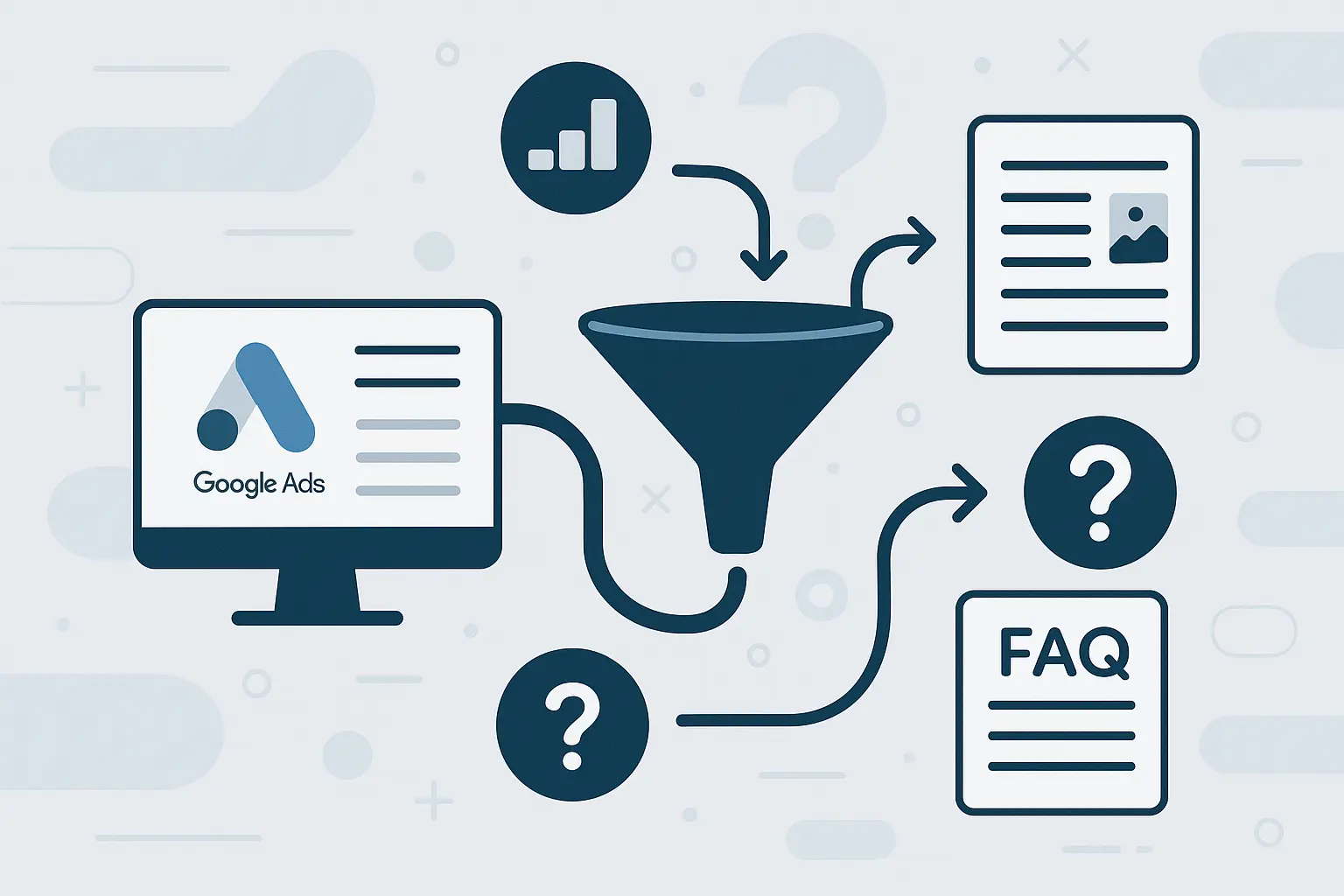
This strategy does more than just fill your content calendar; it creates a powerful feedback loop between your paid and organic marketing channels.
Your Google Ads campaigns act as a rapid-testing ground, uncovering the language and pain points of your target audience in real time. You then use those insights to build long-term organic assets—blog posts, guides, FAQs—that attract, educate, and convert customers for months or even years to come.
This is the foundation of modern, omnichannel SEO strategies, where insights from one channel strengthen another, building a more resilient and effective growth engine for your agency and its clients.

Frequently Asked Questions (FAQ)
What if I don’t have a lot of data in my Google Ads account?
Even a small amount of data can be insightful. Expand your date range to the last 90 days or even longer. If the volume is still too low, consider that a sign that you may need to broaden your keyword targeting to capture more of these long-tail queries.
Is this better than traditional keyword research tools?
It’s not better—it’s different. Keyword tools are great for understanding broad search volume and competition. The SQR is for understanding the specific, nuanced language your target audience uses when they are ready to engage. Use them together for the best results.
How often should I check my Search Query Report for ideas?
A monthly or quarterly review works well. It allows enough new data to accumulate, revealing fresh trends and questions you may not have seen before.
Can I find negative keywords this way?
Absolutely! The SQR is the primary tool for finding irrelevant queries that are wasting your ad spend. As you look for content ideas, keep an eye out for terms you should add to your negative keyword lists to improve campaign efficiency.

Your Next Steps
The search query report is more than just a performance metric; it’s a window into the mind of your customer. By mining it for questions, you can move from a content strategy based on assumptions to one built on real, actionable data.
Go ahead, open your Google Ads account and start exploring. You might be surprised by the brilliant ideas waiting for you.
And once you have those ideas, the challenge becomes executing at scale. For agencies looking to turn data-driven insights into a steady stream of high-performing content for their clients, exploring a white-label SEO partnership can be the key to unlocking profitable growth without adding headcount.
