
HIPAA-Compliant Lead Generation: The SEO Form & Funnel Checklist for Medical Websites
Imagine this: Your agency just launched a new website and SEO campaign for a local dental practice. The results are fantastic. The site is ranking on page one for “emergency dentist,” and the contact form is lighting up with new patient inquiries. Your client is thrilled.
Then, you get a notification. A well-meaning developer on your team used a standard, off-the-shelf form plugin that emails every submission directly to the client’s Gmail. With that one simple mistake, you’ve just created an unencrypted stream of names, phone numbers, and sensitive health concerns—a potential data breach that could put your client, and your agency, in serious jeopardy.
If that scenario makes you a little nervous, it should. An incredible 80% of new patients use online sources to find a new physician, yet navigating the digital world of healthcare is filled with compliance landmines.
The risks aren’t just theoretical. Since 2003, the U.S. government has collected over $135 million in fines for HIPAA violations, and it’s not just the big hospital networks getting hit. A single patient’s data breach can cost a smaller healthcare provider an average of $499 per record.
For digital agencies, this isn’t just about protecting clients—it’s about protecting your own business. Understanding how to generate leads without violating the Health Insurance Portability and Accountability Act (HIPAA) is no longer an edge case. It’s a core competency for any agency serious about serving the healthcare market.
What is PHI, and When Does a Website Form Collect It?
Before we dive into the checklist, let’s get our terms straight. The central concept of HIPAA is the protection of Protected Health Information (PHI).
Think of it like this: PHI is any piece of information that can be used to identify a patient when combined with details about their health.
A name by itself isn’t PHI, and neither is a medical condition alone. But a form submission containing:
Name: John Doe
Email: j.doe@email.com
Message: “I’d like to book an appointment to discuss my recent back pain.”
…is absolutely PHI.
As an agency building a website or running an SEO campaign for a healthcare client (a “Covered Entity”), you become what HIPAA calls a “Business Associate.” This means you are legally obligated to protect any PHI you handle, whether it’s through a website form, a CRM, or your analytics tools.
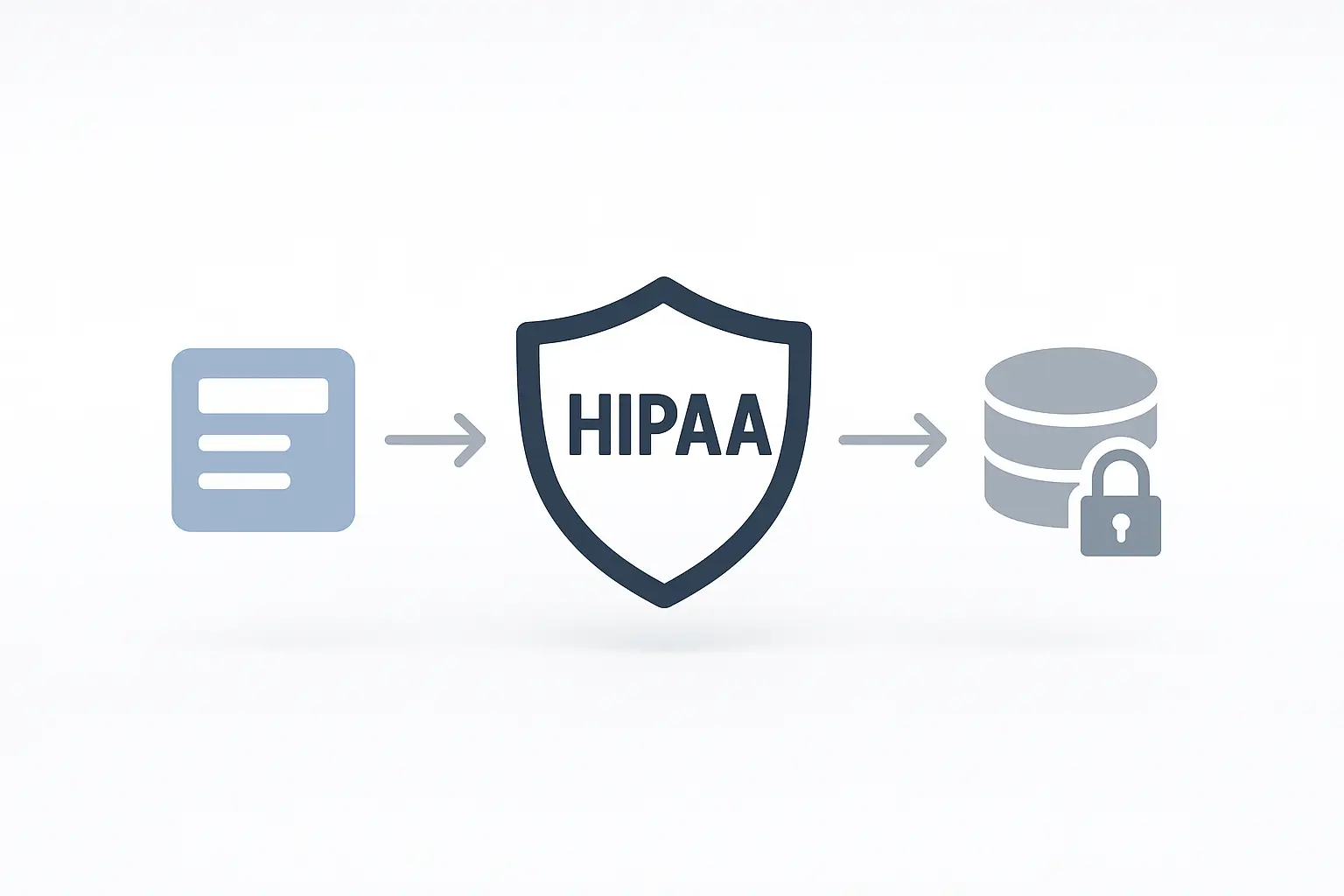
The Anatomy of a HIPAA-Compliant Lead Funnel
When a potential patient fills out a form on your client’s website, their data begins a journey. A compliant funnel ensures that data is protected at every stop. Unfortunately, many standard web funnels have security gaps that can lead to major violations.
The most common vulnerabilities on agency-built websites include:
- Unencrypted Data Transmission: Sending form data without proper security.
- Improper Use of Tracking Tech: Accidentally sending PHI to platforms like Google Analytics or Meta.
- Lack of a Business Associate Agreement (BAA): Using third-party vendors (like form builders or web hosts) who haven’t legally agreed to protect PHI.
Every step in this process requires careful planning. A single weak link—like a non-compliant form plugin—can break the entire chain of trust and compliance.
Your HIPAA-Compliant SEO Form & Funnel Checklist
Building a compliant lead generation funnel doesn’t have to be intimidating; it’s simply a matter of process and precision. Use this checklist to audit your existing healthcare client sites and to plan your future projects.
1. Fortify Your Foundation: Hosting & Encryption
Compliance starts at the server level. You can have the most secure form in the world, but if the website itself isn’t secure, you’re building on sand.
-
Install an SSL Certificate (Use HTTPS): This is non-negotiable. HTTPS encrypts data “in transit” as it travels from the user’s browser to your web server. Without it, any information submitted can be easily intercepted. Modern browsers also flag non-HTTPS sites as “Not Secure,” which kills user trust.
-
Choose a HIPAA-Compliant Web Host: Standard, cheap hosting won’t cut it. A HIPAA-compliant host will provide enhanced security features and, most importantly, be willing to sign a Business Associate Agreement (BAA). This is a legal contract stating they will uphold their responsibilities in protecting PHI stored on their servers. If a host won’t sign a BAA, you cannot use them for a healthcare client.
2. Vet Your Vendors: Forms, CRMs, and Third-Party Tools
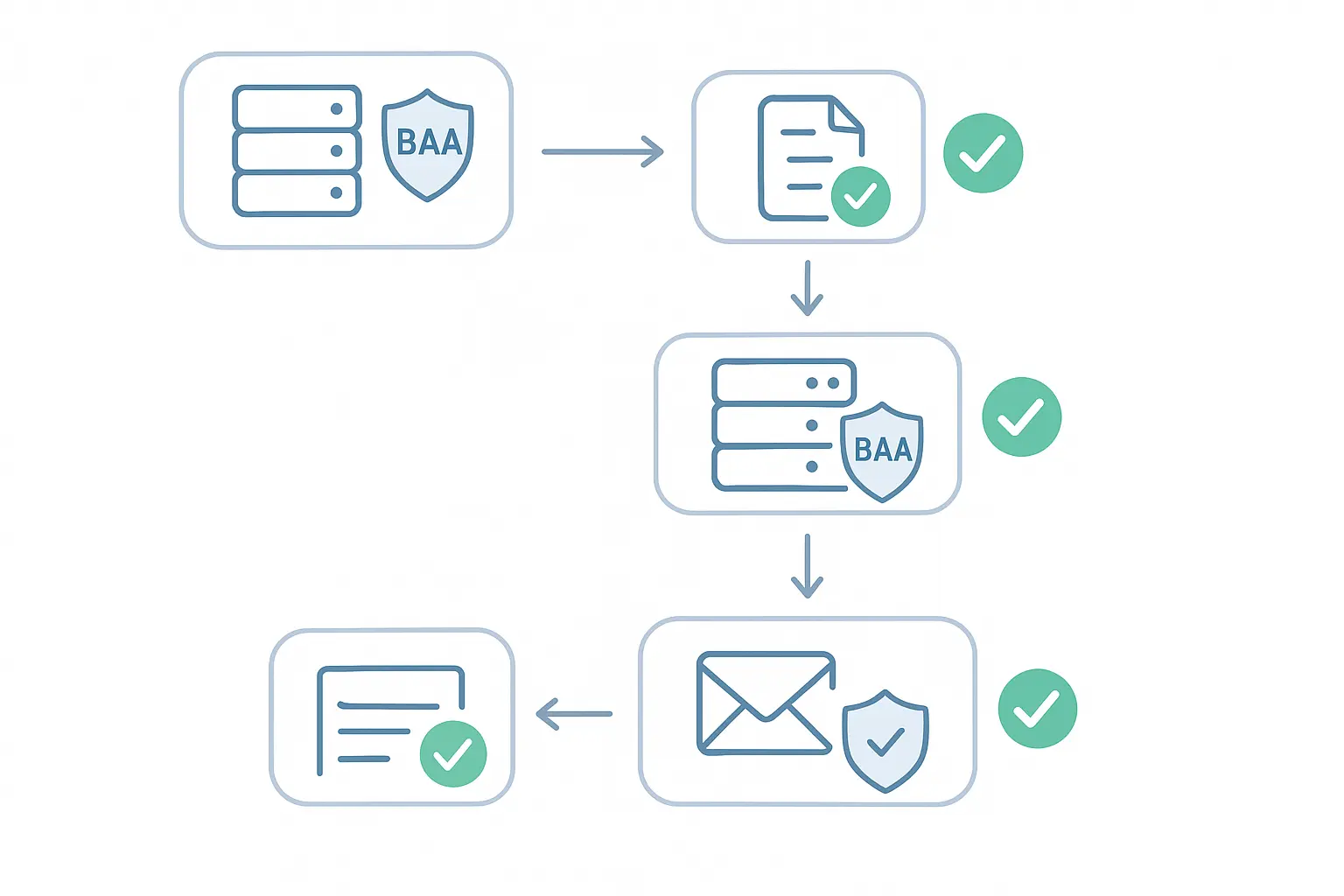
Every tool that “touches” patient data must be compliant and covered by a BAA. This is where many agencies unwittingly create risk.
-
Get a Signed BAA from Every Vendor: Before you use any third-party tool—form builders, email marketing platforms, CRMs, live chat software—you must have a signed BAA. Reputable vendors serving the healthcare industry will have a clear process for this. If you have to hunt for it or their support team seems confused, that’s a major red flag.
-
Select Compliant Software: Not all tools are created equal. You need to use versions or tiers specifically designed for HIPAA compliance.
Forms: Look for solutions like Jotform’s Gold plan or specific HIPAA-compliant WordPress form plugins.
Email: Standard email (like your client’s Outlook or Gmail) is NOT compliant for transmitting PHI. Submissions should go to a secure portal or CRM, not an inbox. If you must use email notifications, they should be stripped of all PHI and simply say, “You have a new secure submission.”
CRM: Use a CRM designed for healthcare that will sign a BAA.
3. Build a Secure Bridge: The Contact Form Itself
The form is the primary gateway for patient data, so it needs to be a fortress.
-
Ensure End-to-End Encryption: Your form data must be encrypted not only in transit (with HTTPS) but also “at rest” (wherever it’s stored). Compliant form builders handle this by storing submissions in a secure, encrypted database, not by sending plaintext emails.
-
Minimize Data Collection: Only ask for the information absolutely necessary to initiate contact. The less PHI you collect, the smaller your risk profile. A form to “Request a Callback” that only asks for a name and phone number is much safer than a detailed patient intake form.
-
Include a Patient Consent Disclaimer: Add a checkbox or clear text near the submit button where users acknowledge they are submitting information and consent to be contacted.
4. Mind Your Analytics: Tracking Pixels and PHI
This is one of the most overlooked areas of HIPAA compliance on websites. It’s incredibly easy to accidentally send PHI to your analytics platforms, which is a clear violation.
-
Keep PHI Out of URLs: Never pass sensitive form data through URL parameters. A “thank you” page URL should be www.clinic.com/thank-you, not www.clinic.com/thank-you?name=JaneDoe&service=root-canal. Google Analytics and other tracking pixels will record these URLs, inadvertently capturing PHI.
-
Configure Goal Tracking Carefully: When setting up conversion tracking, use destination-based goals that point to a generic thank-you page. Avoid using event tracking that captures form field values.
-
Review Your Google Analytics & Tag Manager Settings: Ensure you have not enabled any User-ID features that could inadvertently link session data back to an individual’s PHI. Google has strict policies against collecting Personally Identifiable Information (PII), and this extends to PHI.

Bringing It All Together: A Safe Workflow for Agencies
Mastering complex verticals is how successful agencies grow. High-stakes campaigns, like SEO for healthcare providers, demand a deep understanding of the rules. For many agencies, developing this expertise in-house is a significant challenge.
This is why many choose to partner with white label SEO services that have proven processes for sensitive industries. A reliable partner can provide the execution engine, ensuring everything from technical SEO to lead-gen forms is built for compliance from day one. This allows your team to focus on client strategy and growth, letting you scale your agency without taking on unnecessary risk.
Frequently Asked Questions (FAQ)
Does just having an SSL certificate make my website HIPAA compliant?
No. An SSL certificate (HTTPS) is a critical first step that encrypts data in transit, but it’s only one piece of the puzzle. You also need compliant hosting, secure forms, BAAs with all your vendors, and proper data handling procedures.
Can I use Google Analytics on a healthcare website?
Yes, but with extreme caution. Google Analytics is not inherently HIPAA compliant, and Google will not sign a BAA for it. You can use it as long as you configure it correctly to ensure no PHI is ever passed into the platform. This means no PHI in URLs, event labels, or custom dimensions.
What is a BAA and why is it so important?
A Business Associate Agreement (BAA) is a legally binding contract between a healthcare provider (your client) and a service provider (like your agency, your web host, or your form software company). It requires the service provider to follow HIPAA’s security rules to protect PHI. Without a BAA, you are not authorized to handle PHI on behalf of your client.
Is my agency a “Business Associate” if we just build the website?
If you build, manage, or have access to any system that creates, receives, maintains, or transmits PHI—including hosting access, CMS logins where form entries are stored, and even access to analytics accounts—then yes, your agency is considered a Business Associate.
Disclaimer: This article is for informational purposes only and does not constitute legal advice. Please consult with a qualified legal professional to ensure your agency and your clients are fully compliant with HIPAA regulations.
